
Productivity
AI Assistant for Mac:
What Can You Do with an AI Assistant?
From your first draft to your next big idea, discover how an AI assistant can help you write, research, plan, and create on your Mac.
You use your Mac for various tasks – writing emails, building presentations, editing videos, and whatnot. Opening dozens of tabs may not freeze your Mac, but it surely confuses you. An AI assistant for Mac is what you need that can help you manage your workflow and bounce between tasks faster without getting lost.
Whether you’re using a MacBook Air or a Pro for client work, an AI assistant can become one of the most useful anchors for improving your performance. This guide highlights what an AI assistant for Mac can accomplish, what its benefits are, and how to choose one for your requirements. So, let’s get down to it:
What Is an AI Assistant for Mac?
Simply put, an AI assistant for Mac works similarly to any agent, engaging in natural conversation whenever you interact with it. As a user, you can interact with the AI assistant for anything. The difference between a Mac AI assistant and the one that runs on your web browser is their interaction.
The Mac AI assistant remembers the conversation with the user and adapts to it. It understands what you’re asking and adjusts its learning according to your preferences. Moreover, it’s different from standard macOS tools like Spotlight or Siri.
It’s built for your system and is dedicated to handling work, drafting texts and emails, analyzing strategies and ideas, and executing problem-solving solutions.
What Can You Do with an AI Assistant?
An AI productivity app for Mac is useful well beyond simple question-and-answer. Here are the most common ways people put one to work.
Write and Edit Faster
Whether it’s an email draft, report, social media post, video script, product descriptions, or blog outline, you can feed the initial draft to your macOS AI assistant. The assistant then analyzes the draft and, based on your preferences, adjusts the writing.
It improves the tone, fixes the grammar, and rewrites sections depending on the audience. This helps brainstorm ideas quickly, saving time instead of procrastinating on what to write or how to improve the draft.
Research and Summarize
Apart from the writing tasks, an AI assistant for Mac helps understand any topic. All you have to do is input the necessary links or even ask the assistant to fetch the information for you. It then summarizes the content, whether from the links or a large document, helping you absorb information quickly.
Doing so, it becomes extremely helpful for students, marketers, analysts, and creators, assisting them in verifying the facts and summarizing important information in no time.
Boost Everyday Productivity
Instead of using a boring calendar or setting reminders, you can use an AI assistant to help organize your workflow. Once the input is given, it can organize your week with clear actions, draft project outlines, and create organized steps for any goal.
Moreover, it works perfectly with your existing calendar and notes app and can grab important information such as deadlines or meeting schedules to help you prepare preemptively.
Get Help with Code and Spreadsheets
One of the many perks of using an AI assistant for your Mac is the ease of getting things done, especially with coding or spreadsheets. It’s smart enough to understand the given code, and offers insights, helps debug, write scripts, and even generates test cases.
It proves helpful for beginner coders who are looking to understand the code and get ideas on how certain operations work and can be improved. As for the spreadsheets, it helps by providing numbers or formulas, cleaning up data, or just explaining the data from the sheet in plain words.
Brainstorm and Create
For every creator hitting the wall sometimes, an AI assistant can work to surpass the hurdles. From offering creative video titles to finalizing an exciting campaign name, it can generate hundreds of options to use as fit.
Moreover, you can also use the assistant for inspiration, feeding it the initial creative and asking for improvements based on your goal and audience. This helps minimize the creative workload and brainstorm ideas faster, leading to faster execution.
Translate and Communicate
If you’re working on a project and facing a language barrier, the AI assistant can act as your translator. You can easily feed any document and ask it to translate it. You can even use an audio or video to get a transcription, as well as ask it to generate an appropriate response.
An AI assistant will help generate relevant answers while ensuring they meet the level of formality and cultural context based on the audience, as if you’re communicating in a second language.
Learn New Things
Lastly, you can easily use an AI to learn new things. No matter the task, project, subject, or any field you’re interested in learning, it can help you by explaining the concept easily, summarizing key points, and preparing with practice sessions from beginner to advanced levels.
Benefits of Using an AI Assistant on Mac
Using an AI assistant on your MacBook or desktop offers several practical advantages.
It Saves Time On Repetitive Work
Repetitive tasks such as drafting, summarizing, organizing, etc. can take hours when done manually. With an AI assistant, you can get a week’s workload completed in a couple of hours with higher value.
It Fits Your Existing Workflow
Typical Mac users often juggle between multiple applications, documents, software, and messaging tools. However, all of this can be organized and handled with just one AI assistant that sits at just one click distance and can manage everything under one space.
It Improves the Quality of Your Work
No matter the expert, there’s always a slight chance of human error. Unclear phrasing or missed steps can diminish the quality of your work completed in weeks. With an AI assistant, the error margin can be reduced to almost zero, and the quality can be improved to near perfection.
It Reduces Context Switching
Instead of juggling between multiple apps, tools, or software, you can reduce context switching with just one AI assistant on your Mac. Fewer places to visit means better focus on the work and reduced error margins.
It Works for Many Skill Levels
Instead of installing tools for each level, you can get one AI productivity app for Mac that can handle all levels. It helps create a systemized performance-based roadmap for all users. Beginners to professionals can use it to enhance their productivity at their own pace.
It Supports Creativity
An AI app for macOS users can energize the system with creative ideas. All it takes is user preferences, and it can generate numerous ideas to be used as starting points for creating something original. It’s like collaborating with another artist in real-time.
How to Choose an AI Assistant for Mac?
Not every AI assistant is the same. Here are the criteria worth weighing before you commit.
Compatibility and Performance
Ensure that the AI assistant you’re choosing is compatible with the current version of your macOS. While checking for compatibility, look for a clean interface, stable performance, and responsiveness, especially during long working sessions. Compare multiple assistants and pay attention to how each behaves to make the right choice.
Quality and Accuracy of Answers
Another important element when choosing an AI assistant is the quality and accuracy of the answers that it produces. Ensure that you run a few tasks done regularly, such as drafting an email or fixing a formula on the assistant, and check the quality and accuracy of the results.
Figure out whether the assistant follows the instructions and produces the required outcome. AI can occasionally make mistakes; however, failure to follow the instructions in the first place or produce errors consistently deems it unfit for use. Again, ensure that you verify the results produced every time.
Features That Match Your Needs
When picking the AI assistant for your Mac, ensure that it has the features that you’re looking for. Whether you need it for writing, research, summarizing, coding, translation, or just general productivity, ensure you compare features within options to pick the best fit.
Ease of Use
An AI assistant for macOS should organize your workload and deliver accurate results with ease of use. It should not complicate the workflow further and should have a smooth learning curve, making it easier to adopt it within your daily tasks.
Privacy and Data Handling
Before making the selection, ensure that you’re aware of how the assistant stores and uses your information. Since it’s an AI assistant for Mac, you’ll be installing it on your device while allowing it access to everything on it. Therefore, ensure that you’re aware of how it handles confidential information such as client information, financial records, or unpublished work. If possible, keep sensitive information out of the prompt as much as possible.
Pricing and Free Options
While a free tier can definitely amp up the experience, it’s better to go for a premium option wherever possible. However, buying an assistant should not be expensive, and it should definitely come with a trial period so you can be sure whether to go for it or not.
Reliability and Support
Ensure that the AI assistant you’re buying is reliable enough. It shouldn’t crash or run out of tokens or be unable to understand your preferences. If issues arise, ensure that there’s ample support from the vendor so you can raise concerns and get solutions whenever needed.
How Does GemX Works as an AI Assistant for Mac?
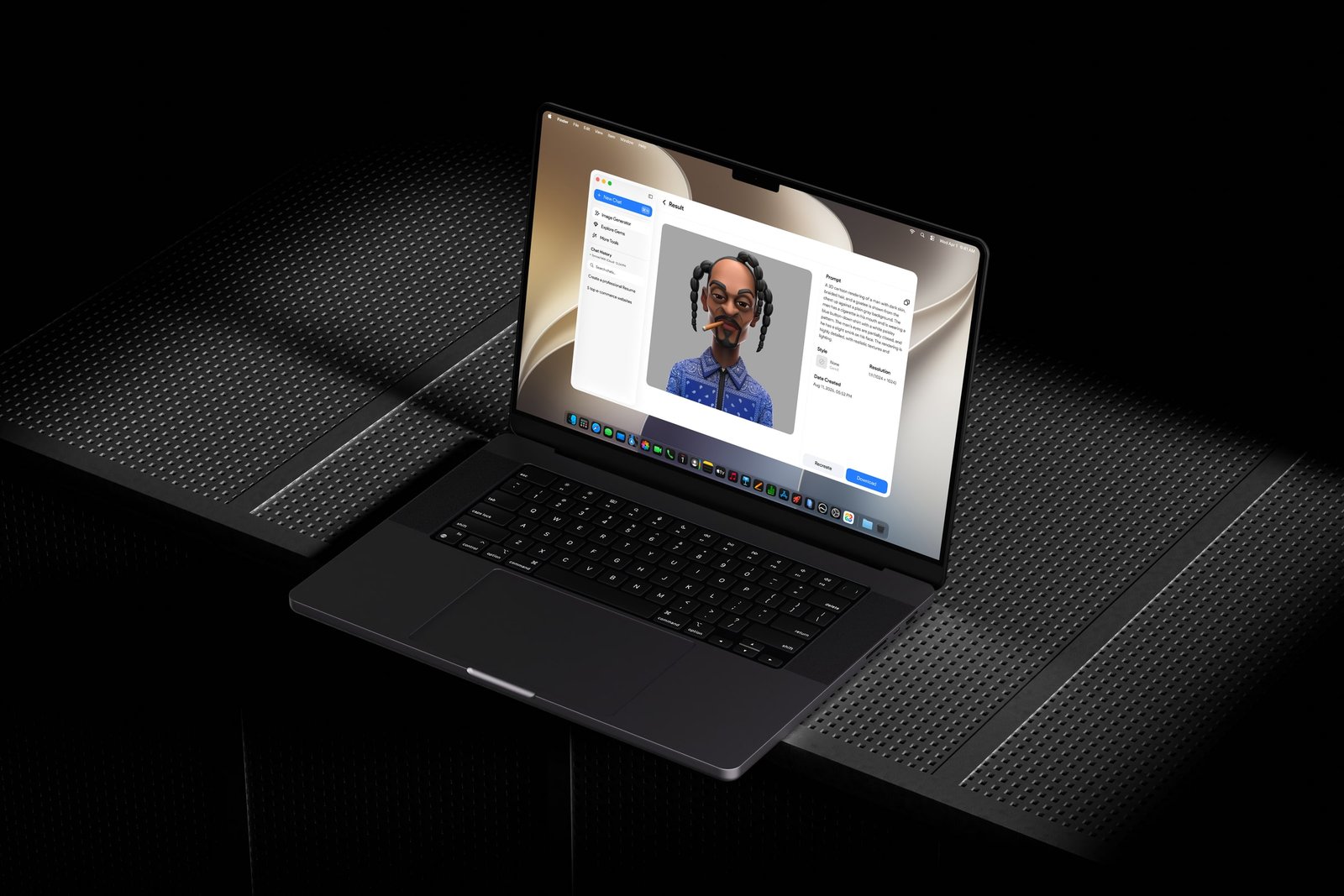
If you’re looking for an AI assistant for your Mac, then GemX is a viable option. It brings several tools, chatbot options, and even incorporates Gemini models for you to access. Writing, summarizing, research, general productivity, organizing workflow – there’s a lot that it can get done.
It operates as an application for your Mac, offering real-time solutions for whatever task you assign to it. The integrated system allows you to interact with the assistant and accomplish tasks like coding, emailing, reporting, and much more.
Final Thoughts
An AI assistant for Mac can help you write, research, plan, and create more efficiently, all from the machine you already rely on every day. Whether you choose the GemX AI assistant or another option, the right AI chatbot for Mac will feel less like a separate app and more like a natural extension of the way you already work.