
Productivity
AI Agents for Mac:
How Desktop AI Assistants Can Handle Everyday Tasks
Discover how AI agents differ from chatbots, the everyday tasks they can help with, and what to look for in a desktop AI assistant for Mac.


With progress in AI, we’re seeing immense growth in the use of AI agents across industries. From desktops to smartphones, almost every modern-day device is equipped with an AI agent to help with everyday chores.
From answering a question to writing an email, researching documents to editing images, the AI agent provides numerous utilities. However, one of the most common misconceptions about AI agents is that they’re often regarded as regular chatbots.
That’s what we’re here to decipher. We’re sharing how AI agents differ from chatbots and how they can handle everyday tasks effectively. We’ll also share the list of tasks you can get done and how to choose one wisely. So, let’s begin:
What Is an AI Agent?
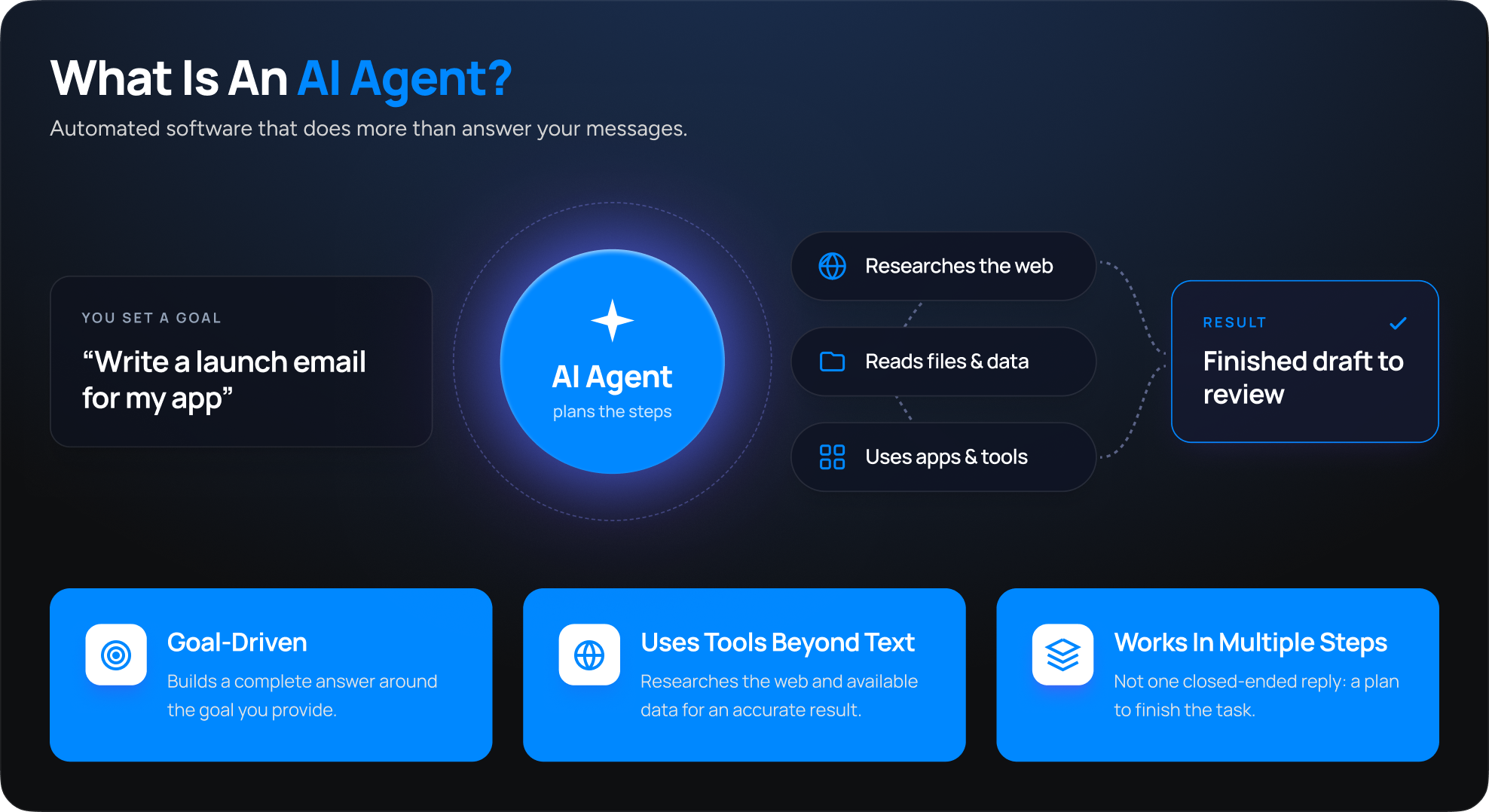
Think of an AI agent as automated software. Its job is to do more than just answer your messages, something chatbots do. You can add instructions to the agent, and it can develop complete plans with a step-by-step guide to accomplish any task.
Here are some traits that make it different from regular chatbots and answering agents:
- It’s goal-driven and formulates an entire answer based on the goal provided.
- It uses tools beyond just text and researches the web and available data to provide an accurate result.
- It operates using multiple steps instead of answering with one closed-ended reply.
An AI agent can produce the result on its own or based on your instructions. You can run a prompt to see which one fits your requirements better.
How AI Agents Differ from Traditional Chatbots
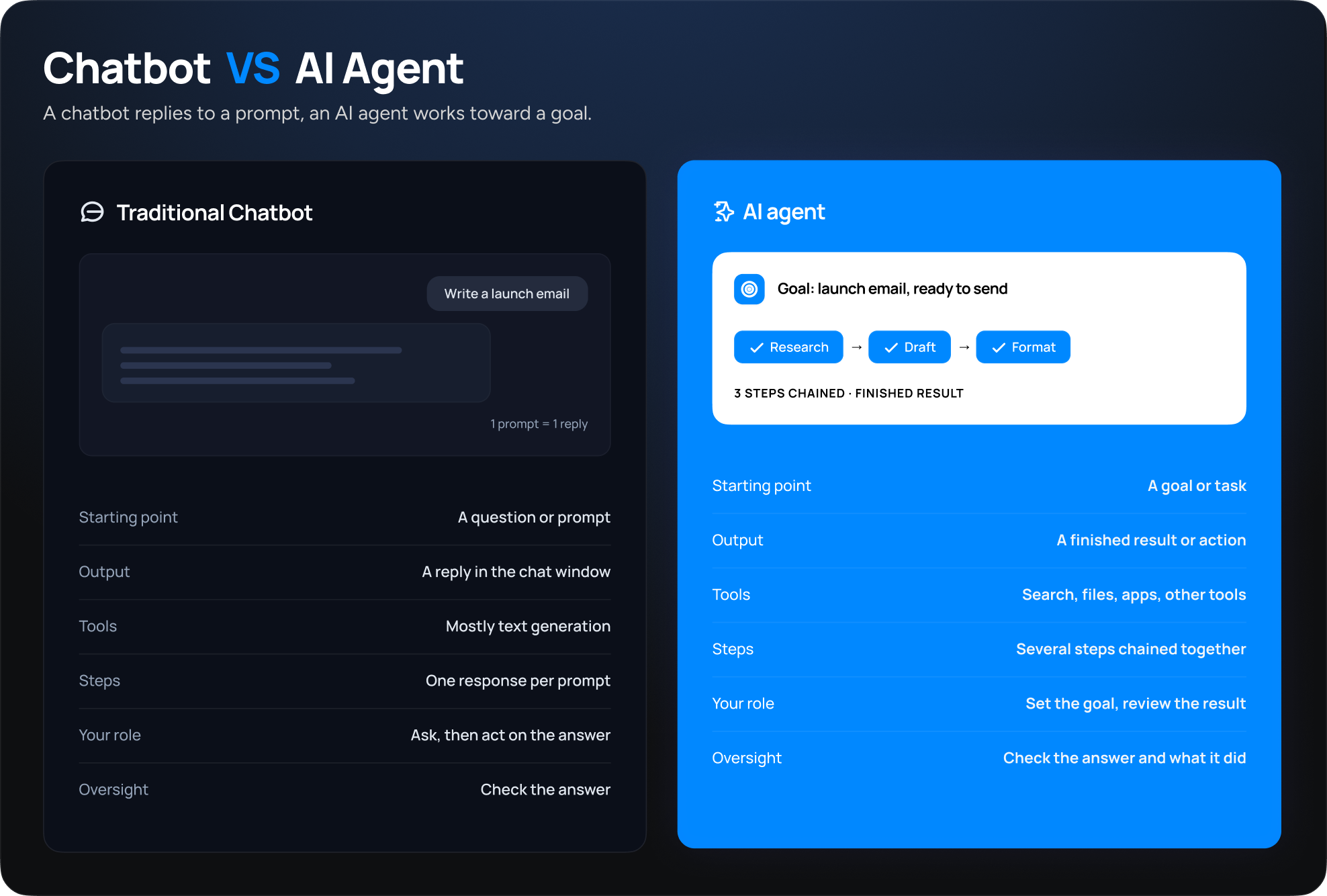
Here’s how an AI agent differs from traditional chatbots.
| Comparison | Traditional chatbot | AI agent |
|---|---|---|
| Starting point | A question or prompt | A goal or task |
| Output | A reply in the chat window | A finished result or completed action |
| Tools | Mostly text generation | Search, files, apps, or other tools it is given access to |
| Steps | One response per prompt | Several steps chained together |
| Your role | Ask, then act on the answer yourself | Set the goal, review the result |
| Oversight needed | Check the answer | Check the answer and what it did |
However, one thing to note here is that most chatbots today can generate images, produce texts for documents, and even export them as usable files. It may not be as elaborate or accurate as an AI agent, but chatbots are advancing in the same manner.
At the same time, you need to ensure that every produced outcome, whether by an AI agent or a chatbot, is considered a draft and thoroughly reviewed.
Everyday Tasks AI Agents Can Help With
You can accomplish several everyday tasks using an AI agent on your desktop, Mac, PC, etc. Some of the common tasks that an AI agent on Mac can help you with include:
- Drafting and rewriting: emails, social posts, product descriptions and reports.
- Summarising and research: condensing long material into the points you need.
- Document creation: turning rough notes into a structured document you can export.
- Image creation: generating visuals from a written description.
- Learning and problem solving: walking through a math problem step by step.
The more accessible your files, the better the AI agent can produce the results. However, ensure that you’re allowing access to information carefully and read the privacy and data sharing policy of the agent beforehand.
A Simple Routine for Handing Off A Task
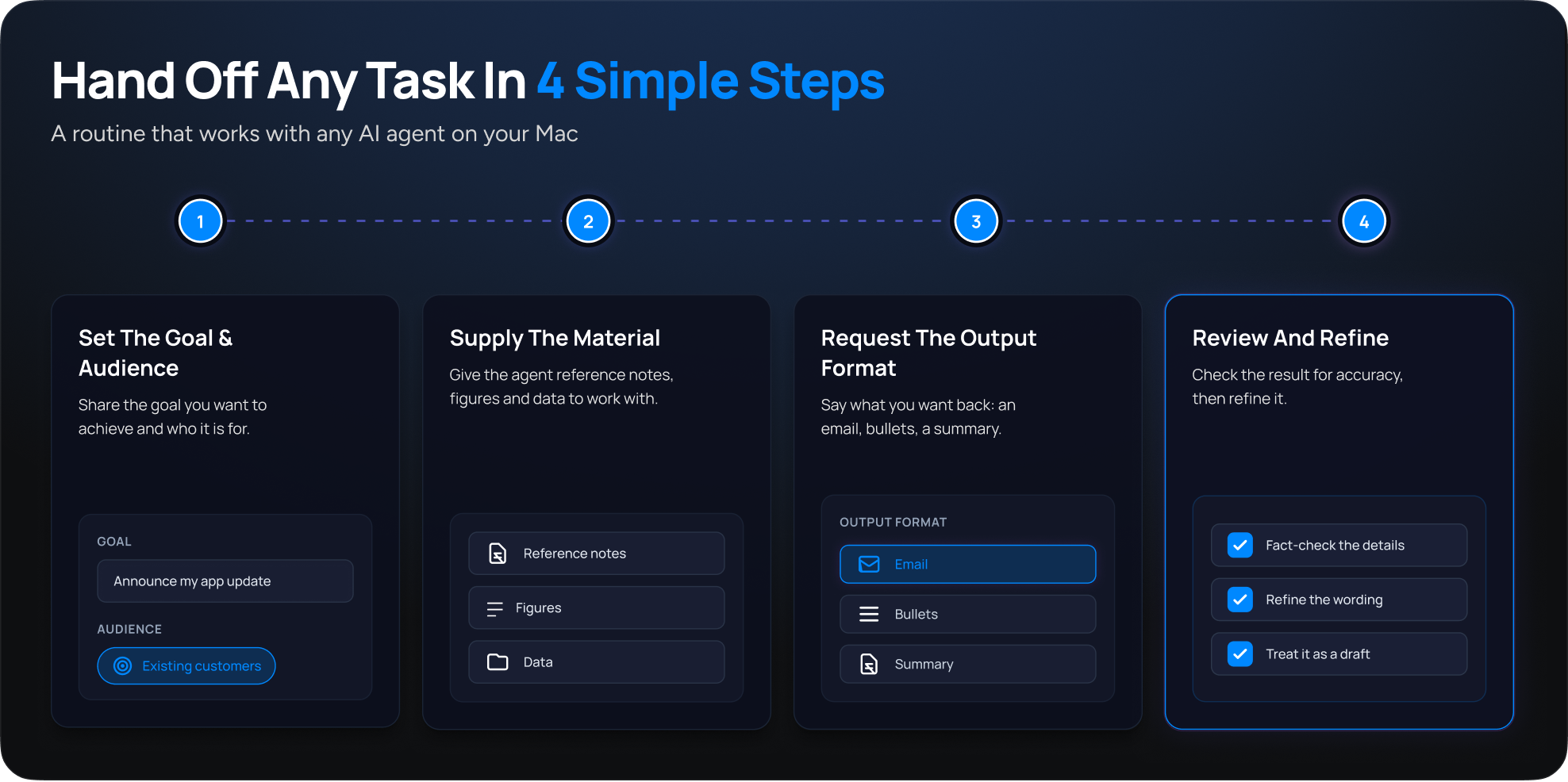
- Set the goal and the audience – share the command prompt for the goal you want to achieve and identify the targeted audience.
- Supply the material – share reference notes, figures, and data to the agent to work around.
- Request the output format – share the prompt for the output format, i.e., email, bullets, summary, etc.
- Review and Refine – review the result and fact-check the accuracy for further refinement.
What to Look for in a Mac AI Assistant?
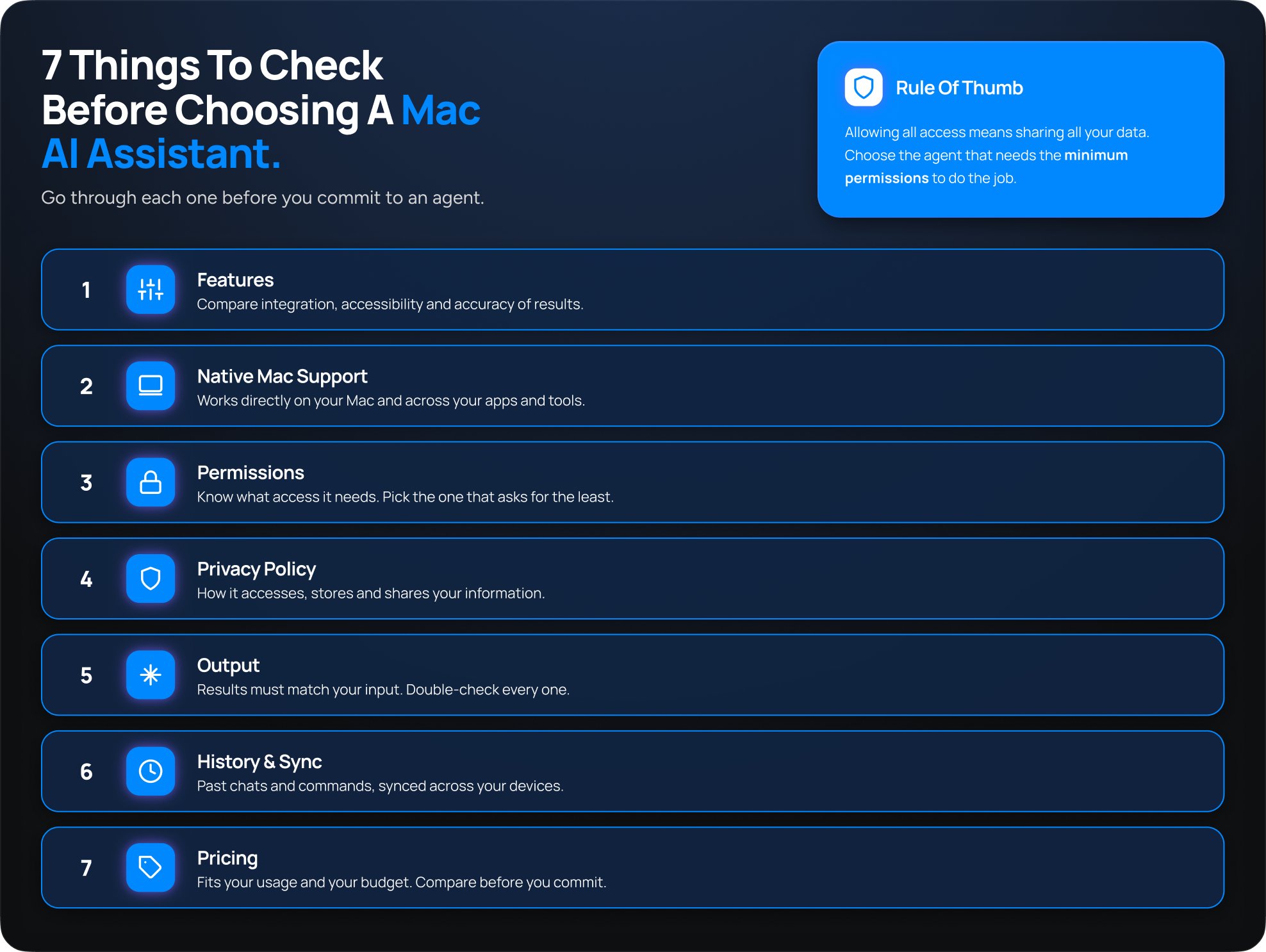
When selecting an AI agent, here are some important factors that you should consider:
Features
The first important element to consider is the features offered by the agent. You can’t choose an agent based solely on ‘automates everything’. From integration to accessibility, ability to produce accurate results, and so on, ensure you evaluate and compare the features before making a choice.
Native Mac Support
If you’re looking for an AI agent for Mac, you need to find the one that offers native Mac support. This will allow you to use the agent directly on your Mac, giving better access to using it over apps and tools.
Permissions
Before using the agent, ensure that you’ve gone through its accessibility. Know what permissions the agent needs to perform accurately. Pick the one that requires minimum permissions since allowing all access means you’re sharing all your data with the agent.
Privacy Policy
While sharing data may be important for running tasks and getting accurate results, it’s important to go through the privacy policy of the agent. This helps to know how the agent accesses the information, where the data is stored, and how it’s shared.
Output
The output or result is an important factor to consider in choosing an AI agent. If the results aren’t accurate according to the input, there’s no need to choose the said agent. That being said, you should double-check every result to ensure there’s no ambiguity.
History & Sync
Running an AI agent on Mac requires the agent to store and sync the history across devices and platforms. If you’re using it on your Mac, it should provide a history of past chats and commands.
Pricing
Lastly, you should consider the pricing of the AI agent in question. If you have nominal usage, the pricing should not exceed your budget. Ensure you compare pricing for different agents before you make the jump.
How GemX Supports Mac Productivity
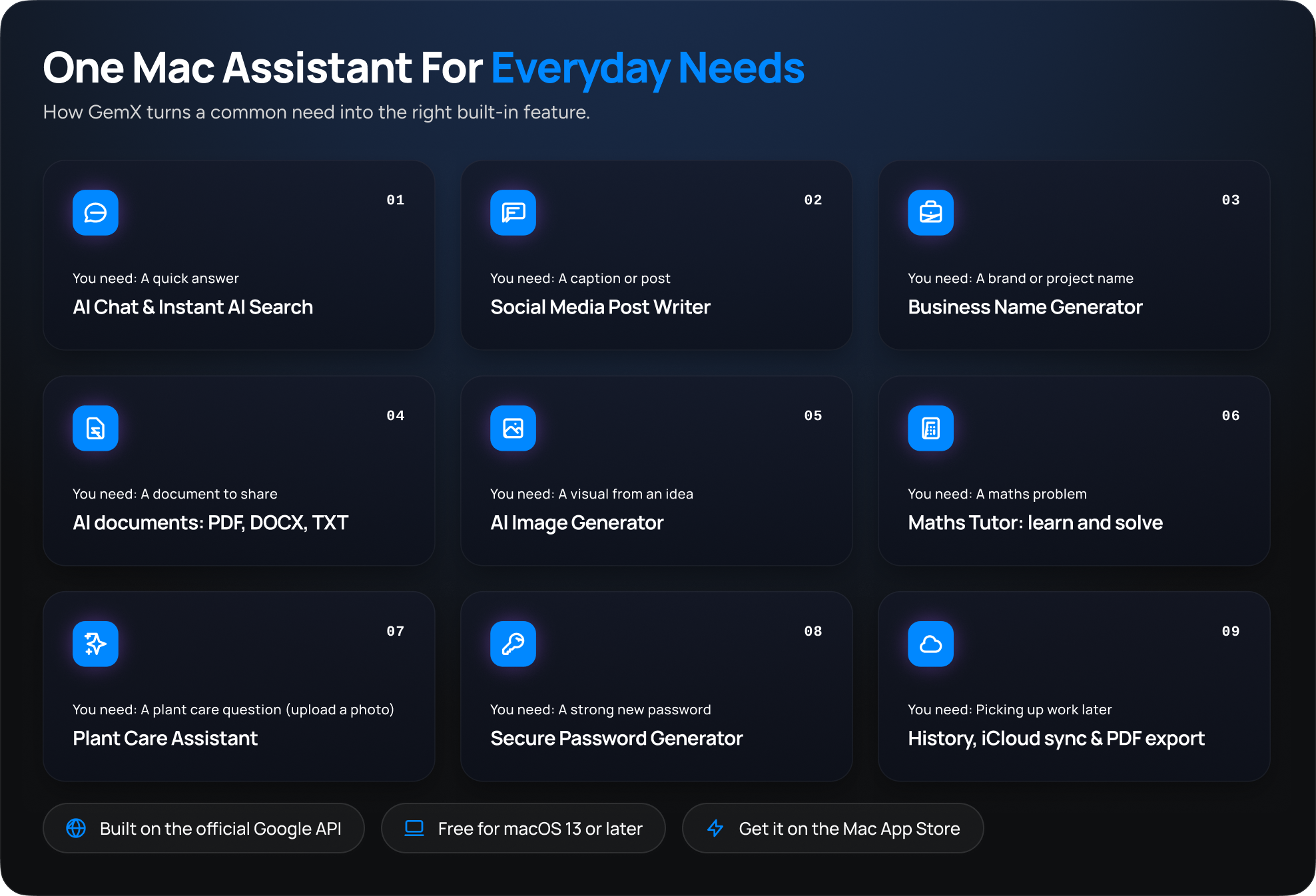
If you’re looking for AI agents for Mac, then GemX is a recommendation to consider. It brings Google’s Gemini models into one AI assistant. It’s built on the official Google API and is free to download for macOS 13 or later.
GemX operates as a guided assistant that generates output based on the input. Here are some common features based on the inputs provided:
| Everyday need | GemX feature |
|---|---|
| A quick answer | AI chat and instant AI search |
| A caption or post | Social Media Post Writer |
| A name for a brand or project | Business Name Generator |
| A document to share | AI-generated documents, saved as PDF, DOCX or TXT |
| A visual from an idea | AI Image Generator |
| Help with a maths problem. | Learn and solve maths tutor. |
| A plant care question | Plant Care Assistant (upload a photo) |
| A strong new password | Secure Password Generator |
| Picking up work later | Full chat history, iCloud sync, chat export to PDF |
In other words, GemX acts as your personal AI assistant for Mac that delivers results based on the input provided. It can help cut down on multiple apps, giving you complete access to a plethora of tools.
This puts GemX at the practical end of the agent spectrum. It gives you drafts, documents, and images to review in one place, which cuts down on app-hopping, while you stay in charge of what gets sent or published.
To try it, get GemX from the Mac App Store or the GemX download page.
Closing Thoughts
An AI agent can help improve your everyday work performance. It minimizes redundant tasks so you can focus on the important ones. A solid AI agent can synchronize across apps and devices and can help minimize the workload by automating tasks. You can consider GemX or any other AI agent based on the considerations listed above to get started.