
Productivity
Best AI Apps for Mac in 2026:
Features and Use Cases
Explore AI apps for productivity, writing, research, and creative work, and find the right mix for your Mac workflow.

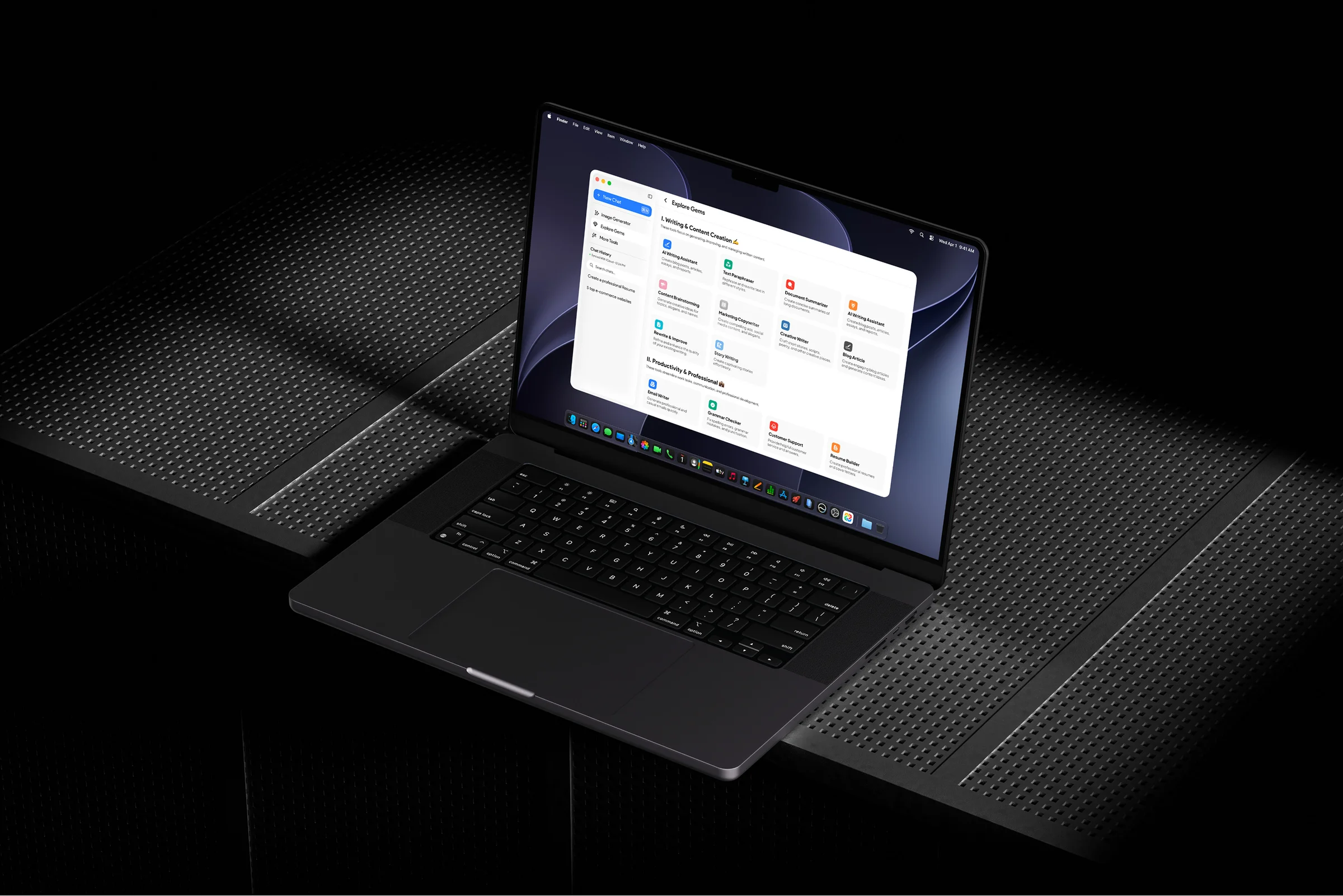
One of the best things about this year is the improvement in the applications developed for Mac users. AI apps for Mac have come a long way, and they’re not just chatbots in browser tabs anymore. Most apps have become native desktop accessible, making it easier for Mac users to enhance their productivity in real time.
A variety of apps for Mac exist in 2026, with every AI agent now having a native app. However, this makes it difficult to choose the ideal one for your system. But not to worry, as this blog tends to guide you on the best AI apps for Mac in 2026 with features and use cases. So, let’s dive into the list;
What Makes a Good AI App for Mac?
First, we need to know what makes an AI app good enough for a Mac. One of the most important factors to consider in the selection is that the app must feel a part of macOS rather than something built for Windows.
Recent research has indicated that most AI apps are now being designed specifically for Mac users instead of being ported from other platforms. That being said, here are the main factors that make an AI app good for macOS:
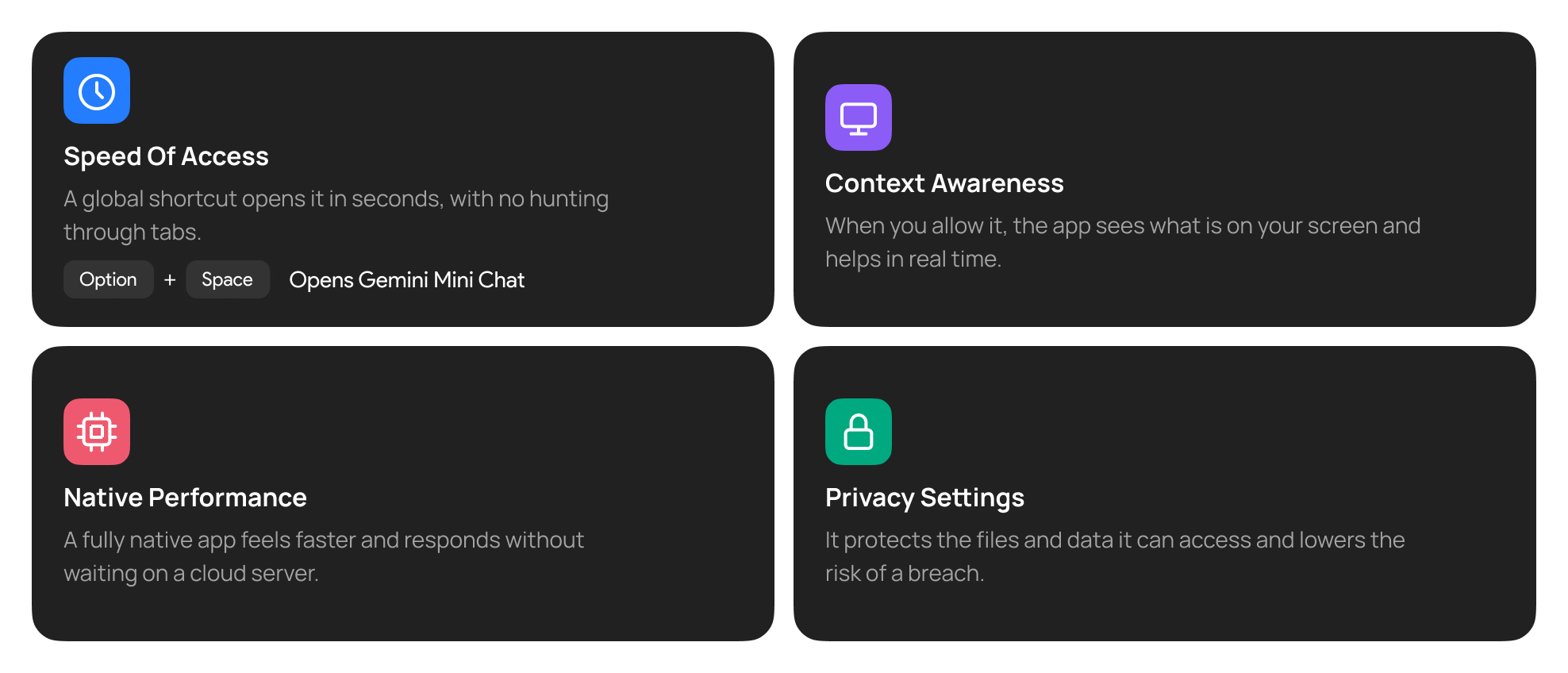
Speed of Access
Instead of looking for the app within browser tabs or cluttered desktops, it should have a global shortcut, making hunting for it less troublesome. Google’s Gemini is one great example, which opens a mini chat with Option + Space or a new full chat with Option + Shift + Space.
The shortcuts are also editable in settings, which makes it useful for the user. In other words, the AI tool for Mac should be readily accessible at mere seconds away.
Context Awareness
Since we’re talking about native desktop apps, the AI software you’re using for Mac should have ample context awareness. When allowed, it should be aware of what’s on the screen and should provide the solution as prompted effectively.
In other words, if you share files or open a program with the chat by its side, it should read the screen effortlessly and engage in providing real-time assistance as requested.
Native Performance
A 100% native application means faster usability for the user. Instead of communicating with the cloud server for information, it should operate independently and provide faster performance.
Privacy Settings
A native application would have access to your files and data. However, the app must provide security for the accessed files and should mitigate any chances of a breach.
Types of AI Apps Mac Users Can Use
Picking an AI app for Mac can be difficult. You need to choose the right one that fits almost every requirement and provides utility as needed. Therefore, instead of focusing on the best one, here’s a split of apps to consider:
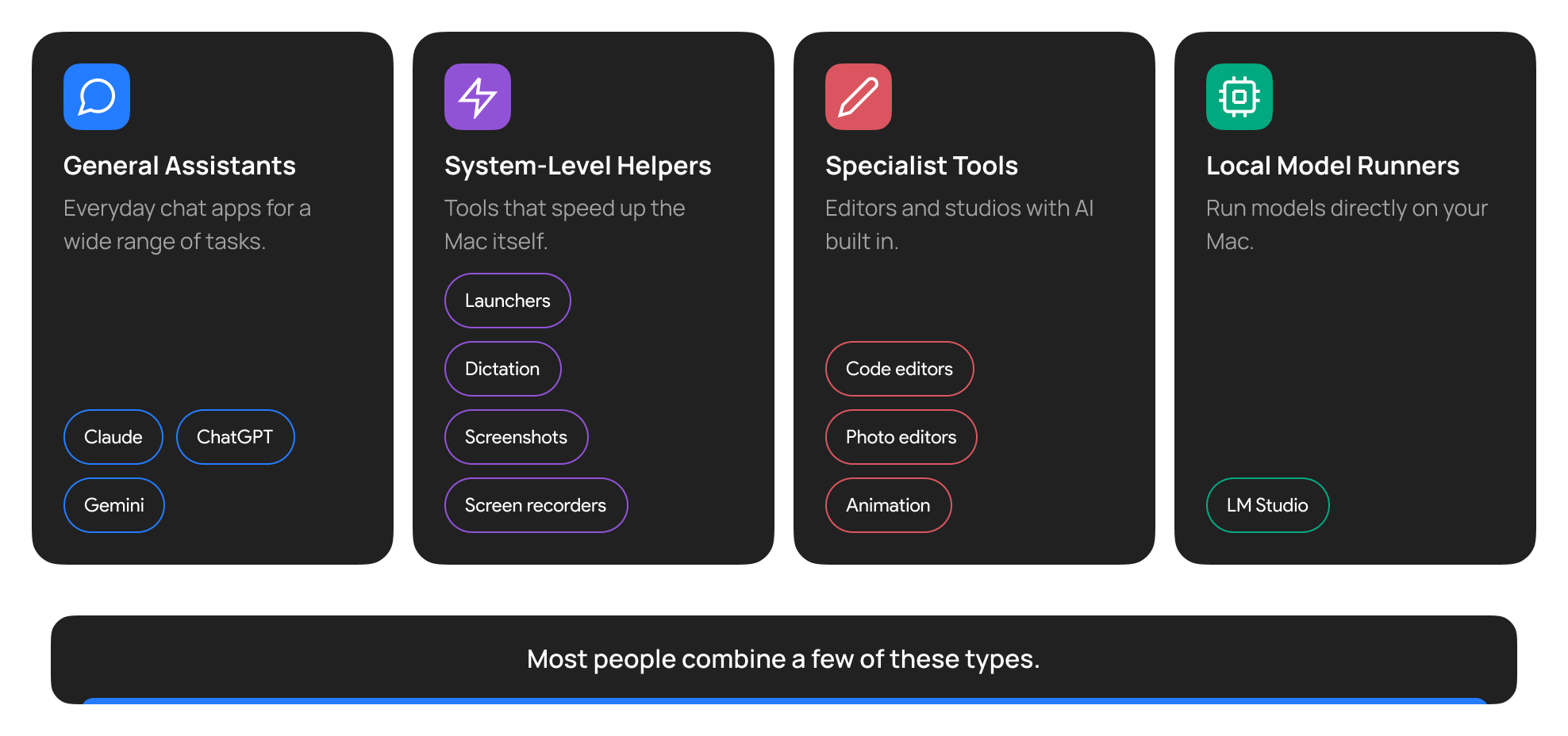
General Assistant Apps
AI assistants such as Claude, ChatGPT, Gemini, etc. are common examples of general assistant apps for Mac.
System-Level Helper Apps
Tools such as launchers, dictation, screenshots, screen recorders, etc. are examples of system-level helper apps that are designed to improve the performance of your work.
Specialist Tools
These tools are designed to handle and enhance work performance. Applications such as code and photo editors, animation studios, etc. are the best examples that incorporate AI features for boosting productivity.
Local Model Runners
These applications run directly on your Mac and help you with oversight of the work. LM Studio is the best example, which even includes an API server for cross-app connectivity.
For most people, picking from all these groups makes the complete bundle that fulfills the requirements.
AI Apps for Productivity
The primary usage of an AI tool for Mac is to boost productivity by minimizing redundant tasks. Several AI apps for productivity can be used:
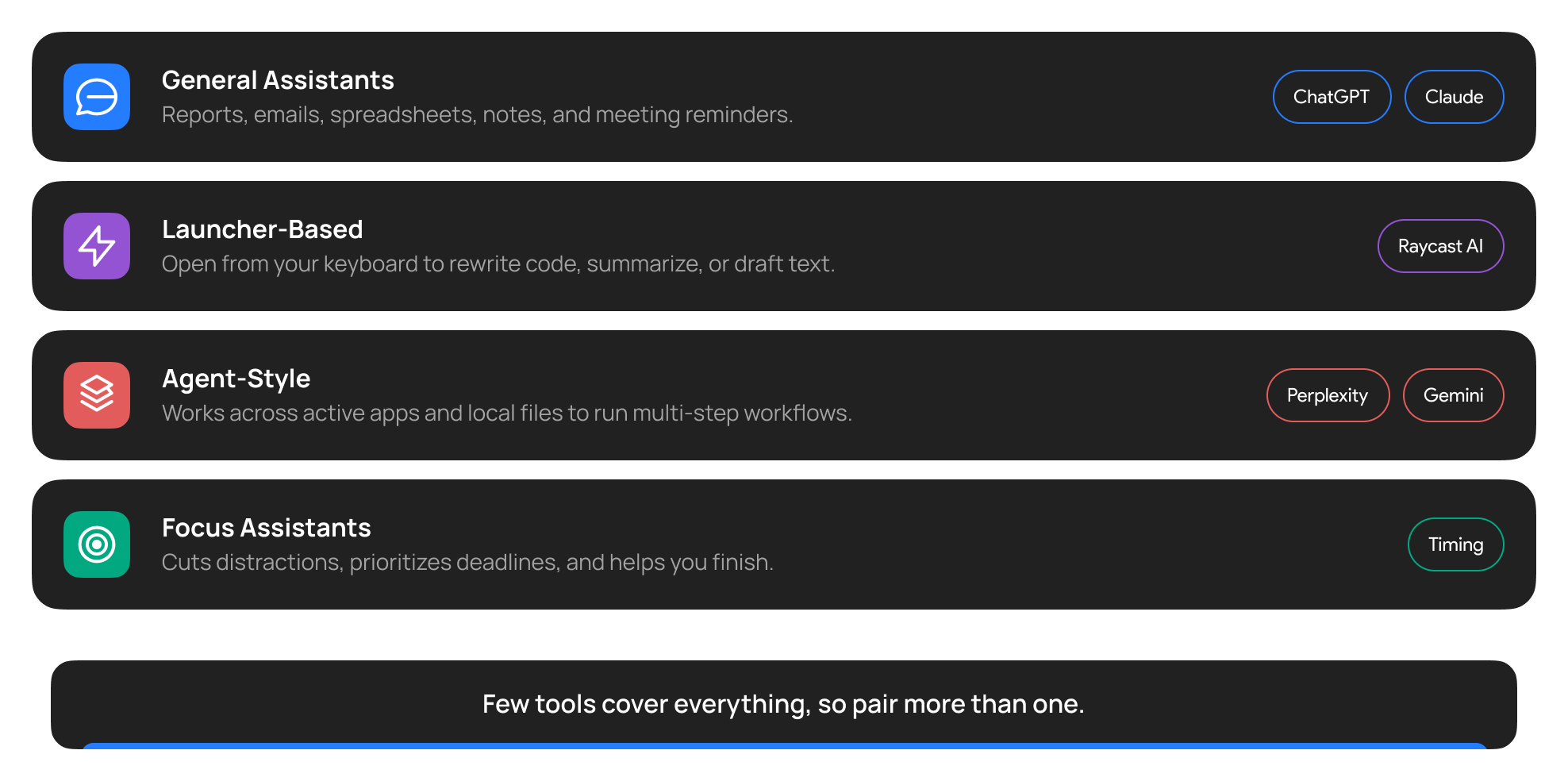
General Assistants
These apps cover a broad range of tasks. Drafting reports and emails, building a spreadsheet, using location services to determine distance to a destination, taking notes, notifying meetings, etc. are some tasks accomplished by these assistants.
Common examples include Google Maps, ChatGPT, Claude, and other AI assistants that can be integrated within your Mac to take over common tasks.
Launcher-Based Assistants
Some AI assistants are integrated on your launcher, which can be used via commands from your keyboard. Raycast AI is a great example because it enables the user to access the tool’s functionality for rewriting code, summarizing documents, and drafting texts as needed.
Agent Style Assistants
These assistants are one of a kind because they operate as your very own Jarvis. With access to your active apps and local files, these apps can easily run a multi-step workflow and manage tasks side-by-side.
Perplexity and Gemini are among the list of powerful agent-style AI assistants that can easily be used for improving workflow by Mac users.
Focus Assistants
As evident from the name, these assistants are dedicated to improving focus of the user, helping them complete their tasks without getting distracted. They do so using AI by minimizing notifications, prioritizing deadlines, and offering assistance for completing tasks. Timing is a great example in this domain, which offers the aforementioned solutions.
Again, not every tool is designed to take over the complete workflow and has to be grouped with one or more assistants to automate workability for a Mac user.
AI Apps for Writing and Research
Writing and research are the most common reasons people install an AI app for Mac, and the best apps handle both in one place.
Drafting and Editing
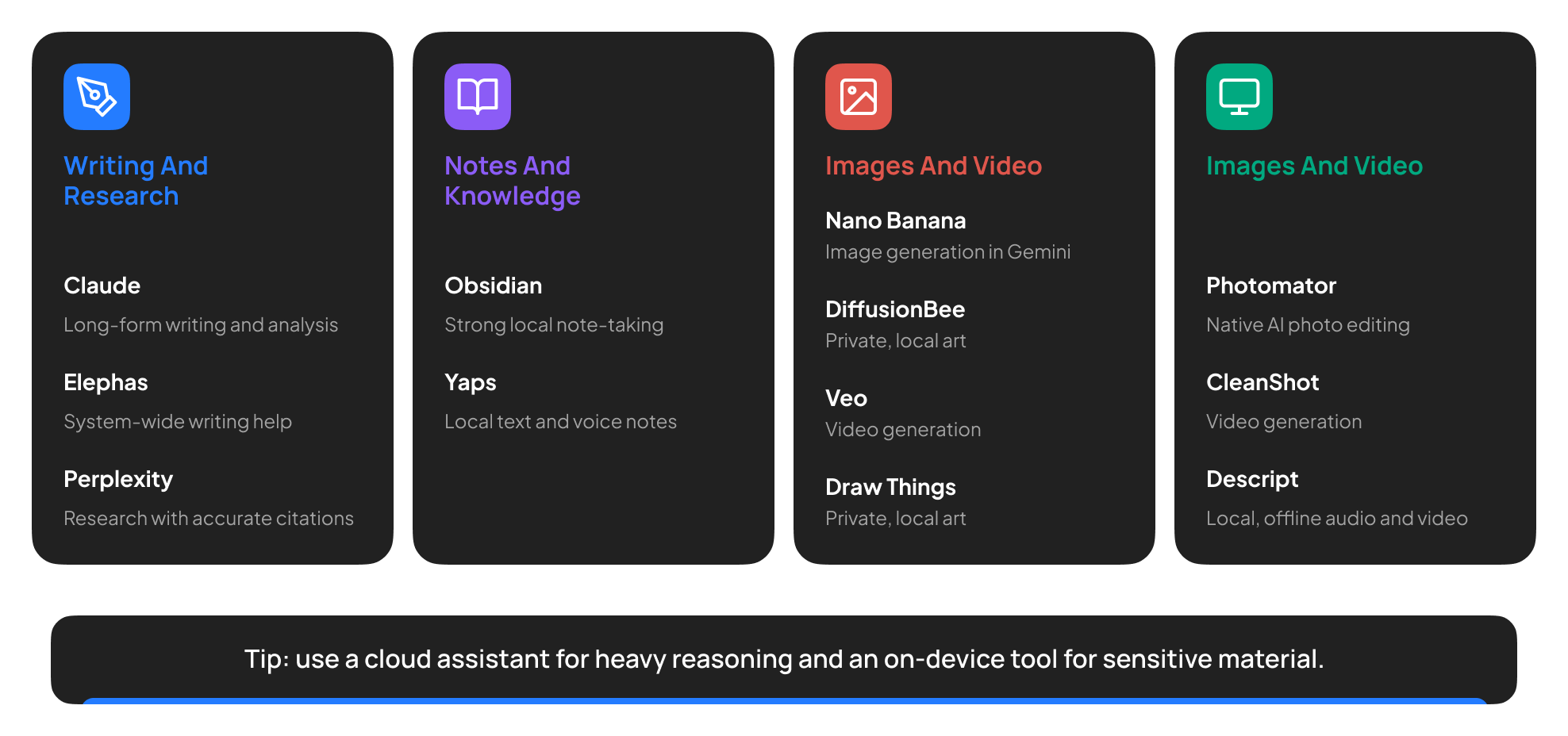
While a dedicated AI assistant would be cool, most general assistants can easily get drafting and editing work done for Mac users. Claude, for instance, is designed to work on long-form writing and analysis. Elephas can recommend system-wide writing assistance for entire Mac apps.
Research and Citation
In research, the quality of the information sourced is important. Hence, the AI assistant must not only provide information but also cite it accurately. Perplexity is one of the best apps as it offers citation accuracy for the research it conducts.
Notes and Knowledge
Whether you’re taking handwritten notes or transcribing a lecture, the AI assistant should be able to do it quickly and accurately. Obsidian and Yaps are prominent assistants in this domain because of their strong local note-taking abilities in both text and voice.
A useful rule: use a cloud assistant for the heavy reasoning, and use an on-device tool when the material is sensitive. Double-check sources to confirm accuracy once in a while.
AI Apps for Creative Work
Picking AI apps for Mac to enhance creativity is not an easy task. Not all apps entertain user requirements, and not all are equipped with the tools to assist the workflow.
Image and Video Generation
Nano Banana from Gemini and Veo’s video generation stand out for their image and video generation assistance for Mac users. These offer accurate results based on the prompts and can easily be used for generating visuals. In addition, Draw Things and DiffusionBee can be used for generating art privately and locally.
Photo Editing
While the aforementioned apps can easily handle photo editing requests, Photomator can work as a native app and adjust the photos using AI on a local Mac. In addition, CleanShot can be used for pulling text out of an image or a screenshot.
Audio and Video Setting
Although many editors prefer using high-end professional tools for editing audio and videos, Descript can be used for the same purpose too, but for local, offline needs.
Remember, if you’re worried about privacy, then perhaps look for apps that run offline and locally.
What to Look For When Choosing an AI App
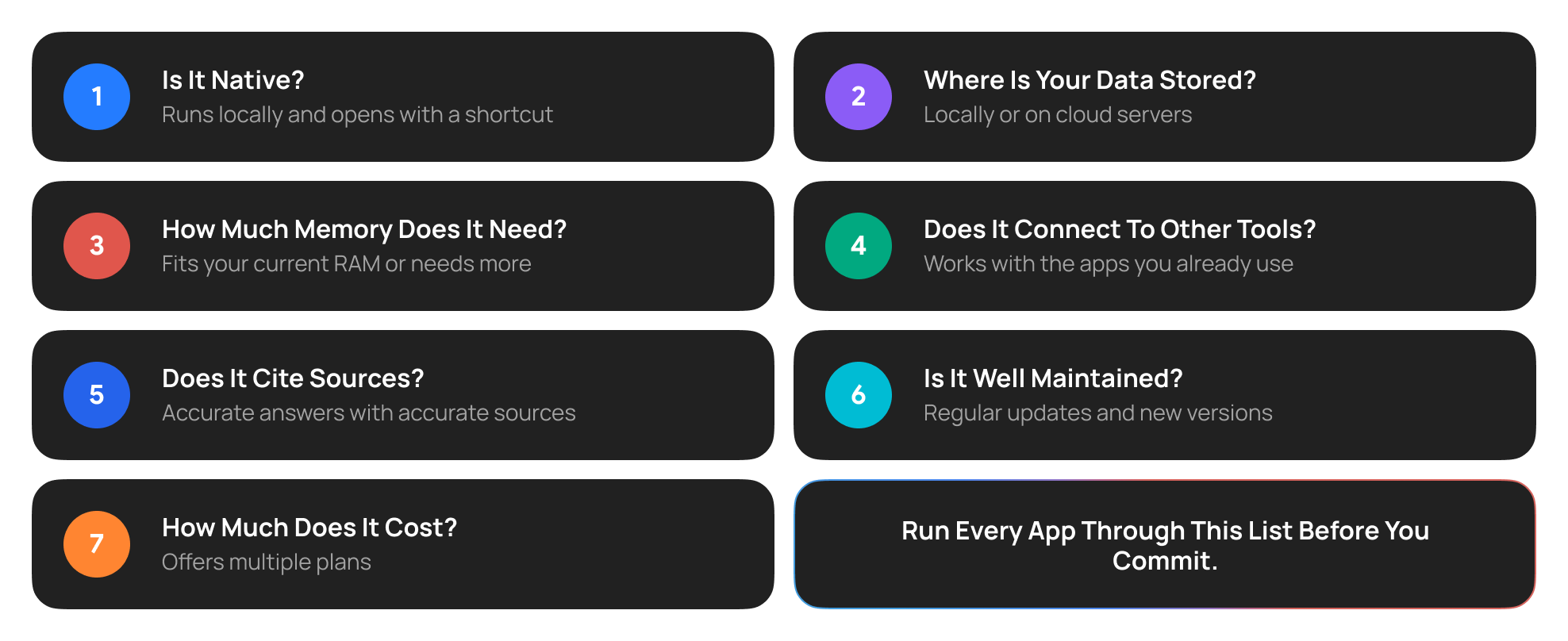
Before you commit to any AI software for Mac, run it through this checklist:
Where GemX Fits?
GemX brings Gemini chat, writing, research, and creative tools together in one AI assistant for Mac. You can draft and refine text, work with documents, generate images, and switch between available Gemini models to suit your task.
Final Thoughts
Picking the right AI app for Mac in 2026 needs a little more than reading guides online. You need to set your requirements straight and, based on them, pick a group that fits best. You can get started with GemX and pair it with an AI software for Mac as you like.