
Productivity
AI Apps for MacBook:
How to Choose the Right AI Tool
Find the right AI tool for your MacBook by comparing app types, everyday features, and real tasks for work, study, and creativity.

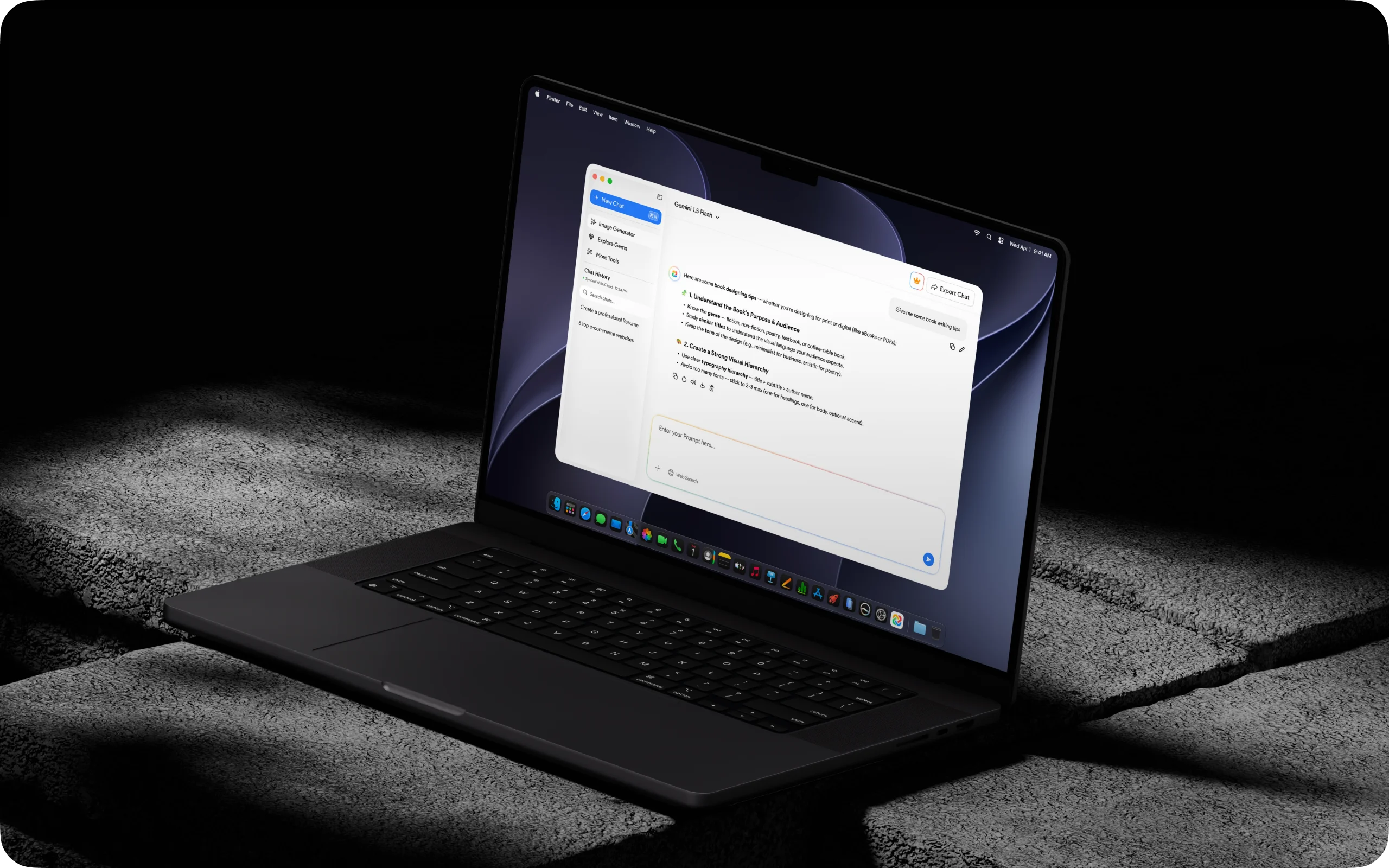
If you own a MacBook, picking an AI app for enhancing productivity is important. However, what’s more important is to choose the right AI app. This blog guides you on picking the right AI tool for your MacBook so you can boost productivity and get better results. So, let’s get started:
Why MacBook Users Are Using AI Apps?
If you’re wondering why you even need an AI tool for improving your productivity on your MacBook, then here’s the answer. Instead of trying to multitask work processes, you can pick an AI tool and get things done faster and more accurately.
AI tools for MacBook are designed for engaging in various tasks, including coding, writing, studying, research, and many more. Moreover, modern AI tools have dedicated apps that allow using them locally on your MacBook.
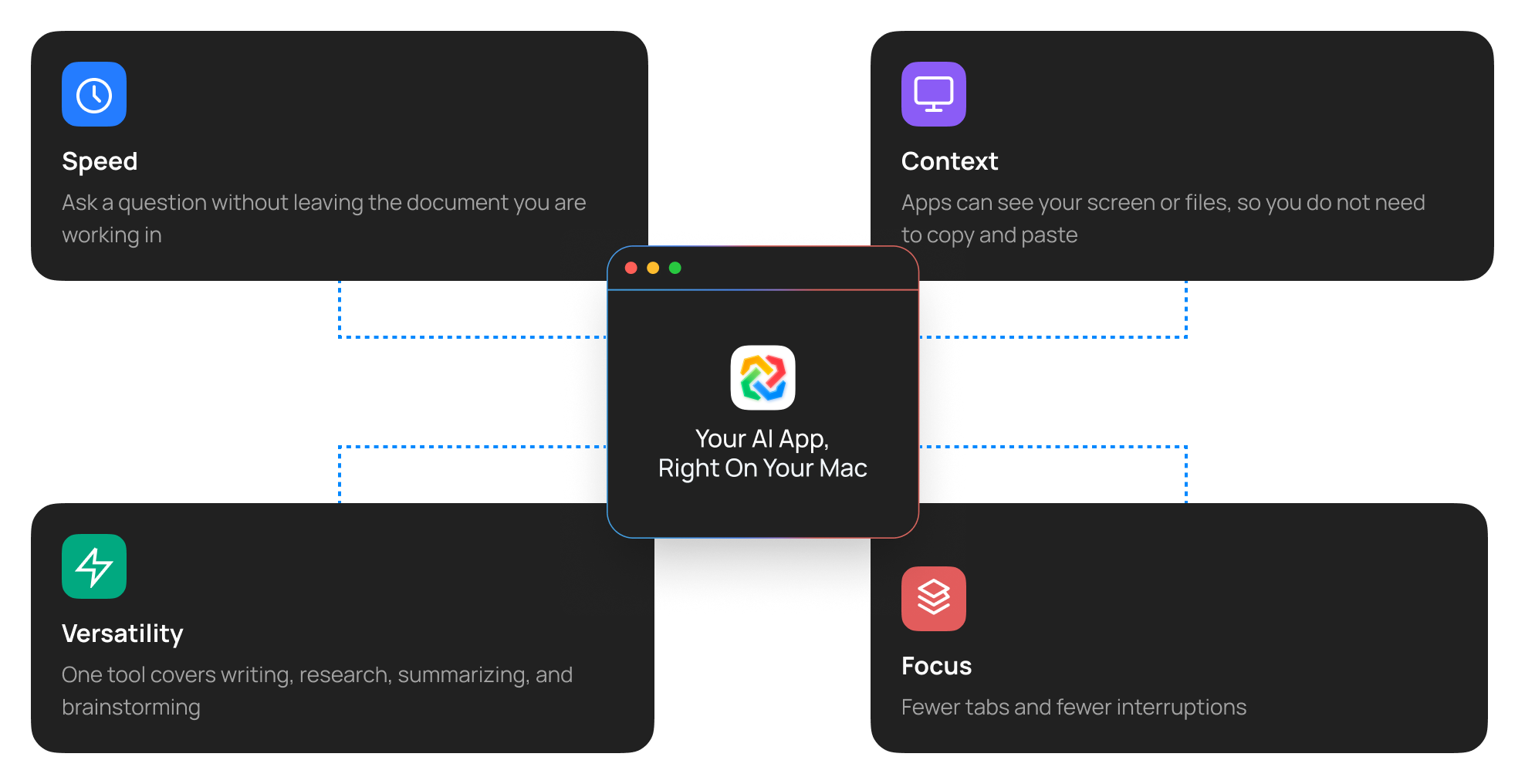
No need to swap between browser tabs. The AI assistant opens directly on your machine and can engage with your work as you want it to. In other words, the main reasons why people choose AI tools for MacBook include:
- Speed: ask a question without leaving the document you’re working in.
- Context: many apps can see your screen or files, so you don’t have to copy and paste.
- Focus: fewer tabs and fewer interruptions.
- Versatility: one tool covers writing, research, summarizing, and brainstorming.
Types of AI Apps for MacBook
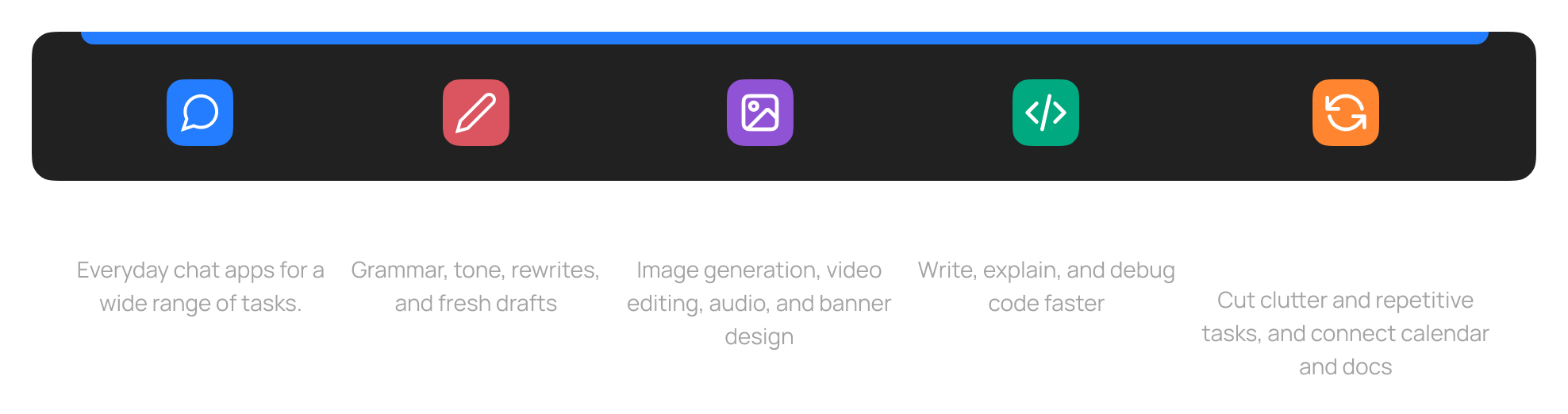
One important thing to note is that not every AI tool is designed to assist MacBook users in the way they want. Therefore, it’s necessary to know what type of AI assistants are present in the market so you can pick the right one for your MacBook. These can be divided into the following categories:
General AI Assistants
As evident from the name, these assistants are chat-based applications. They can be tasked with processes such as drafting a text, explaining concepts, brainstorming ideas, etc. General AI assistants from OpenAI, Anthropic, and Google are common examples of these assistants. You can find dedicated apps for these assistants for MacBook easily.
Writing and Editing Tools
These tools are designed specifically to help the user improve writing. From focusing on grammar to adjusting the tone, rewriting a section or writing a new draft, these AI tools are favorites of bloggers, students, and marketers.
Creative AI Tools
Content creators and designers are constantly on the hunt for tools that can help boost their creative abilities to produce stunning results. From image generation to video editing, audio clipping to banner designing, the creative AI tools empower creators to go beyond the ordinary in creating the extraordinary.
Coding Assistants
Previously, developers faced constant troubles debugging the code. Now, with coding assistants, this can be done in no time. AI coding assistants act as a personal code editor that can write and explain the code while they debug. This makes the development process swift and minimizes downtime to production.
Productivity and Automation Apps
Lastly, many MacBook users prefer having productivity apps that can help smooth their workflow. These apps are designed to minimize clutter, reduce redundant tasks, and create space for priority tasks to be completed urgently. These work amazingly for work professionals who can connect their calendar and documents to review, work, and complete tasks effectively.
Features to Look For
Now, the deciding factor is to pick the right one for your MacBook. As highlighted earlier, not all apps serve the purpose right, which is why you need to consider the following factors:
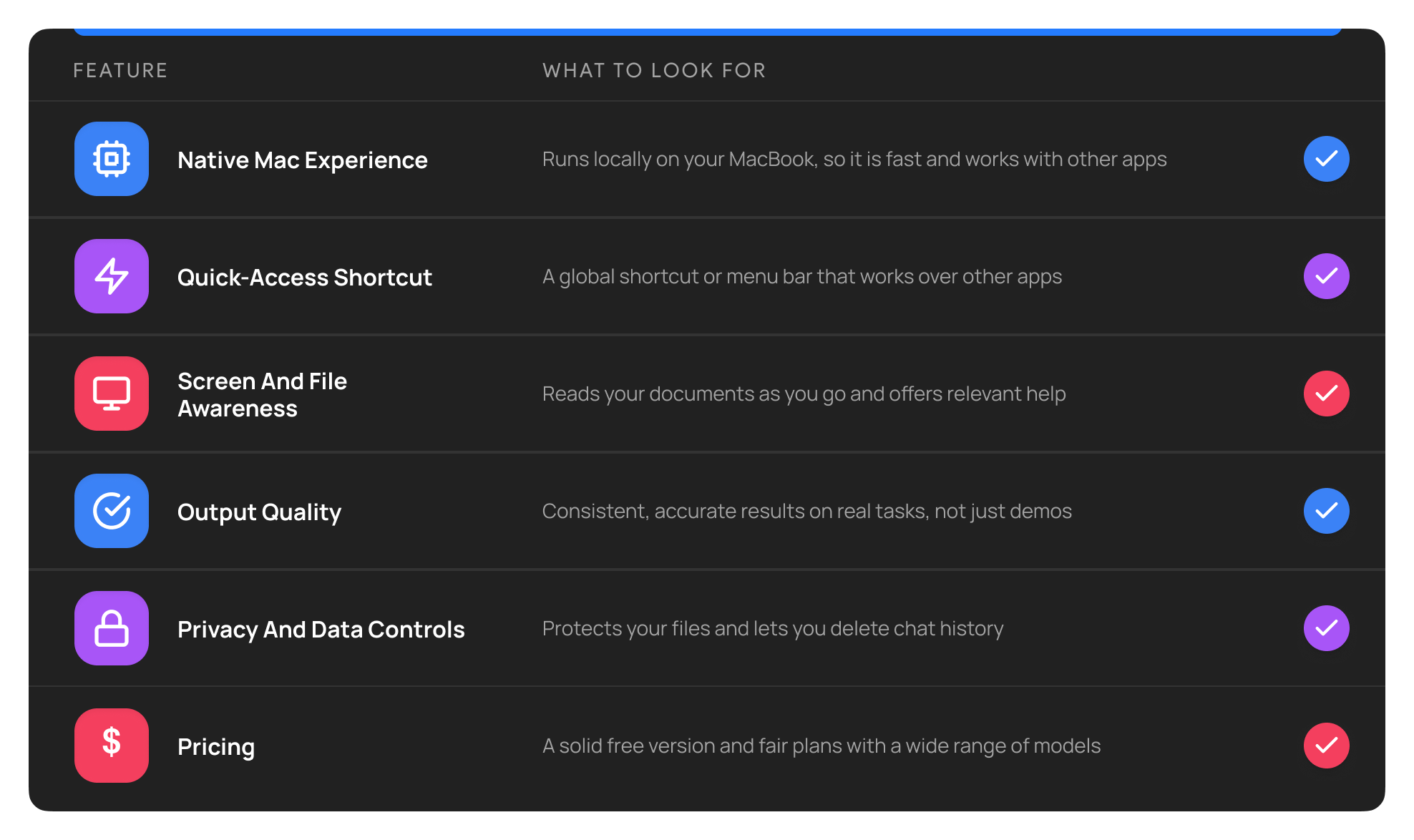
Native Mac Experience
The app or AI tool you’re considering should be native and run locally on your MacBook. This makes the tool work faster, performing tasks in real-time as you require. It can also be integrated with other applications as required.
Quick-Access Shortcut
Since an AI tool is meant to enhance productivity, it should be accessible too. A global keyboard shortcut or menu bar should make the tool accessible. Moreover, the accessibility bar should work over other apps as well.
Screen and File Awareness
The primary requirement for an AI tool for MacBook is to integrate with the existing system and provide assistance managing tasks. This includes accessing the documents as you go and offering insights and solutions as requested.
Output Quality
Another important factor to consider is the AI tool’s output quality on your MacBook. Since AI tools are prone to hallucination, you need to pick the one that remains consistent with the requirements and offers maximum accuracy on the tasks assigned.
In addition, the tool should be able to handle local tasks and provide relevant solutions in real time, not only in demo mode.
Privacy and Data Controls
As highlighted earlier, the AI tool should access the files locally and provide relevant solutions. However, with local access, the tool should ensure privacy and integrity of the processes and files accessed.
Whether it’s the files accessed by the tool or the ones shared with the tool by the user, it should check the files, use it for completing the task at hand, and protect the data. It should also provide options for deleting chat history as required.
Pricing
Lastly, you need to look for an AI tool that isn’t heavy on your budget. It should offer a free version with sufficient performance. The plans should not be costly and should have access to a wider range of models.
AI Apps for Work, Study, and Creativity
If you’re considering AI apps specifically for work, study, or creativity, then you need to narrow down your selection based on the following metrics:
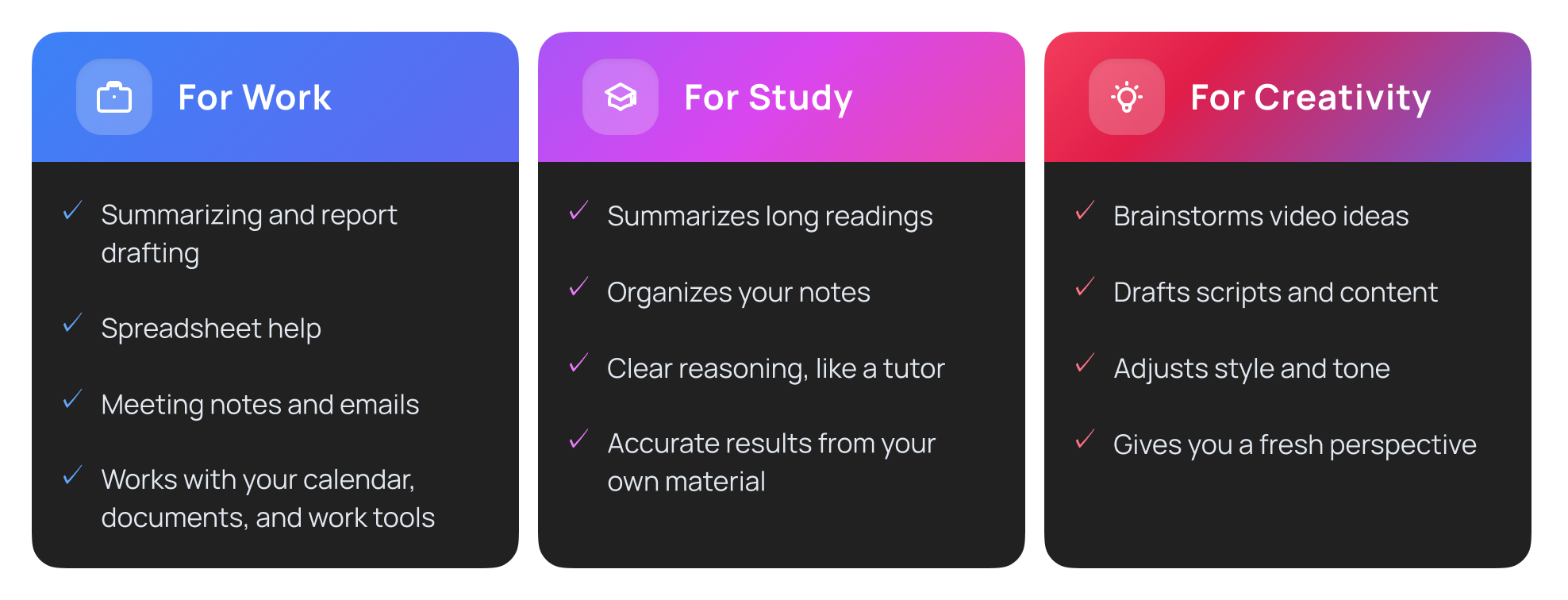
For Work
When you’re choosing an AI app for work, ensure that the potential choice offers accurate and swift functionality for your work-related tasks. This includes summarizing, report drafting, assisting with spreadsheets, creating meeting notes, emailing, and much more.
In addition, the AI app should offer seamless integration with your existing work tools and should integrate with calendar, documents, and other necessary apps as required.
For Study
For students and researchers, picking an AI tool for studying involves checking the accuracy of the results it produces based on the data fed to it. From summarizing long readings to organizing notes and clear reasoning, the AI tool should act as a personal tutor and mentor the learning process effectively.
For Creativity
Creators need an AI tool that can enhance their creative potential, giving them a new perspective. This includes brainstorming ideas for video generation, drafting captivating scripts and content for projects, and adjusting styles accordingly.
How to Choose the Right AI App?
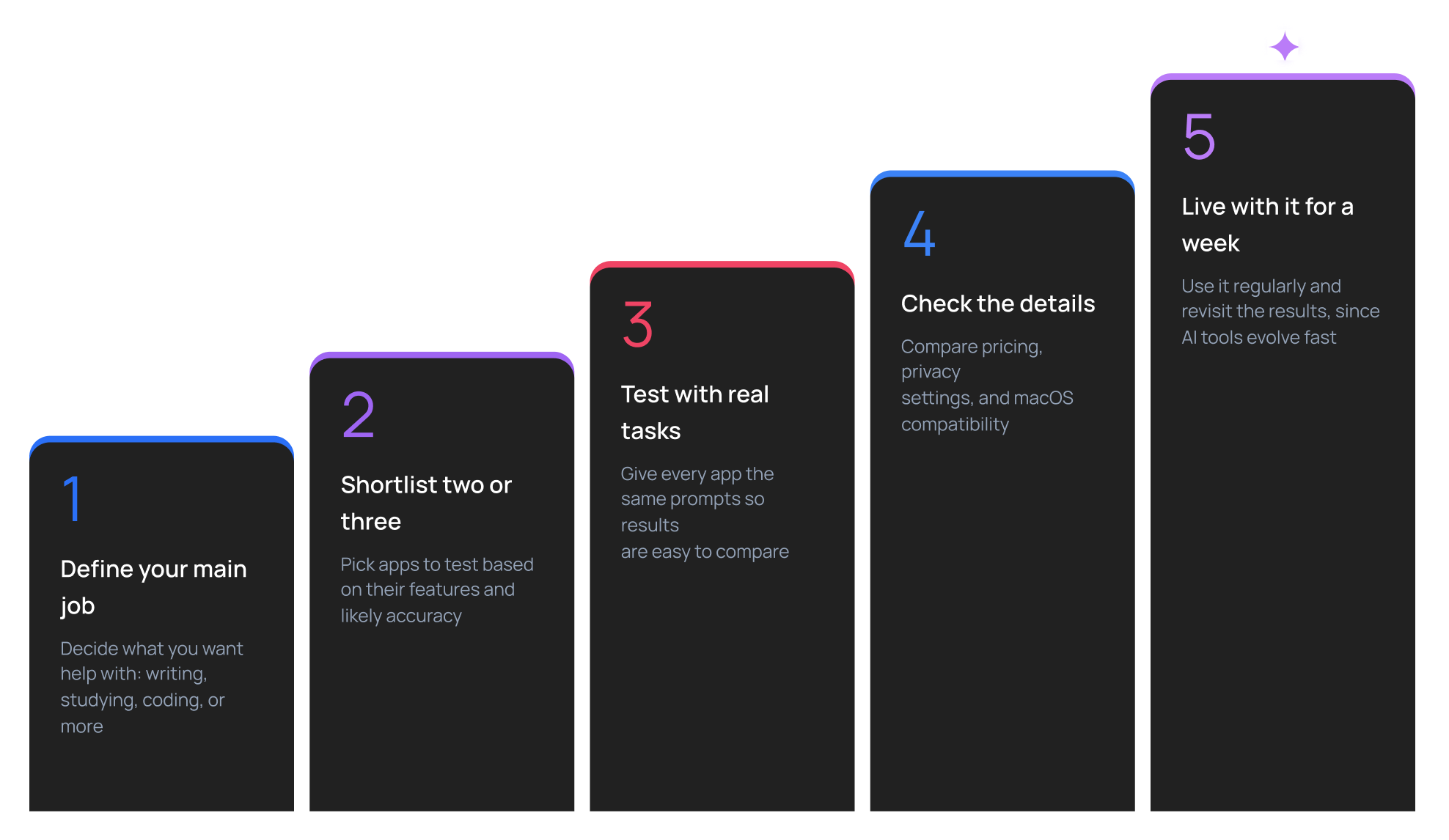
Now, it’s time to pick the right AI app for your MacBook. Here’s a protocol that you need to follow to evaluate an AI app and pick the right one:
Define Your Main Job
The first thing is to define the job that you want the AI tool to accomplish or help you with. This can include writing, studying, coding, etc.
Shortlist Two or Three Apps
Pick two or three AI apps that you want to test. You can select these based on the features they offer and their potential outcome accuracy.
Test with Real Tasks
Based on your main job and objectives, write prompts for the selected apps. Ensure that each app is prompted with the same instructions so you can compare the results later.
Check The Details
Based on the outcome details, narrow down your choice. If all selected apps provide reasonable outcomes, then compare pricing, privacy settings, and macOS compatibility. You can also recheck these based on the features.
Live with It for A Week
Since AI tools evolve quickly, you need to use the app regularly and compare results. In addition, revisit the selected apps and compare their outcome accuracy.
Why Consider GemX
If you’re looking for AI tools for MacBook, then GemX is one of the options to consider. It acts as a chatbot and brings Gemini chat, writing, and creative tools together in one app for Mac.
It’s designed to help with writing, drafting, coding questions, and working with documents. Compare its responses with your requirements and review important details before using the results.
Try GemX alongside your other shortlisted apps with your own tasks, and keep whichever fits your workflow best.
Conclusion
Selecting the right AI app for Mac depends on what you want to accomplish. Using the metrics shared above, you can narrow down potential choices, assign them tasks, evaluate outcomes, and, based on your pricing and feature preferences, pick the one that fits your needs!