
Productivity
AI Productivity Apps for Mac:
Tools to Work Smarter
Explore AI productivity tools for Mac and learn how to compare workflow fit, output quality, privacy, and value before choosing an app.

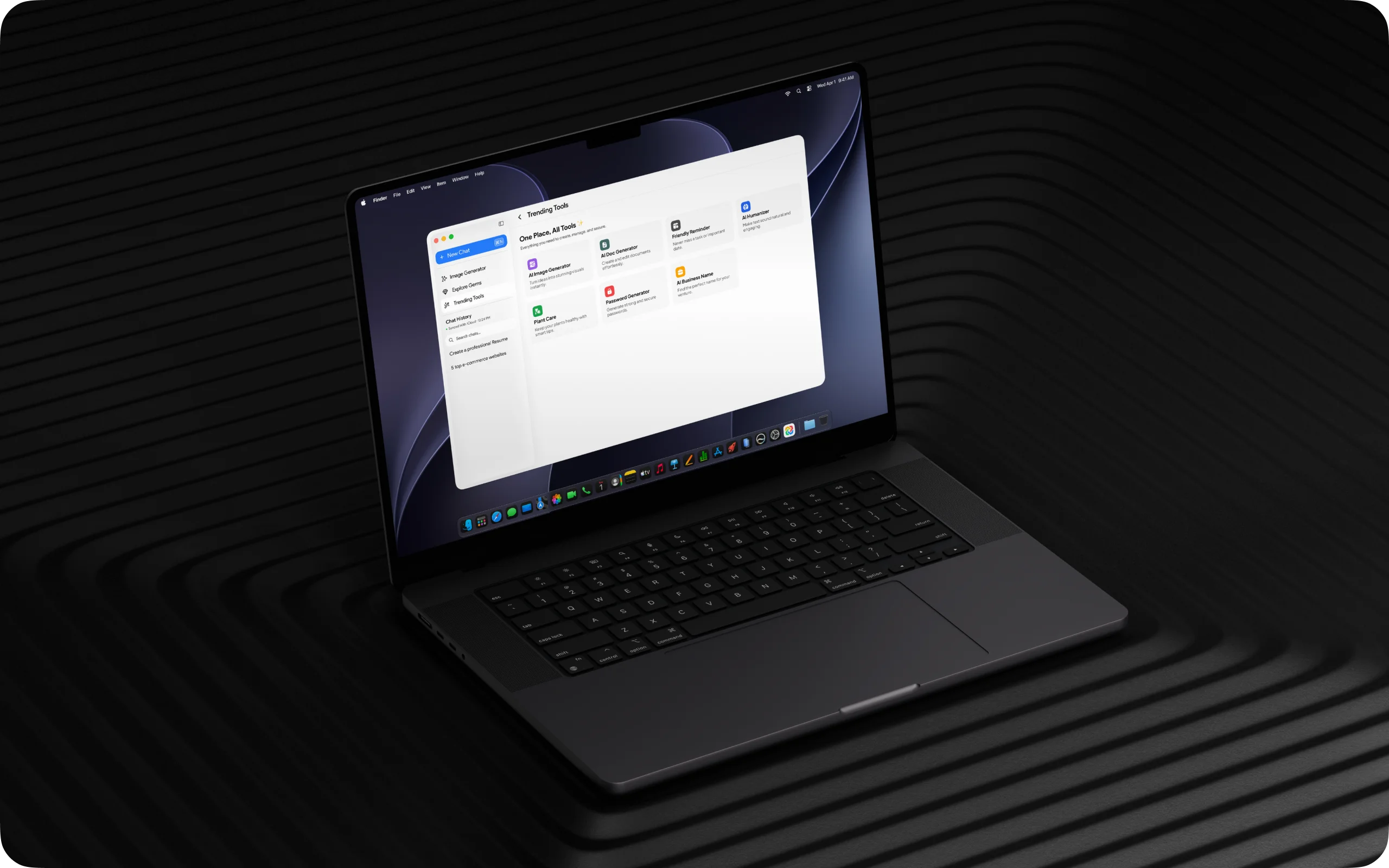
Mac users have all hands on deck with several productivity apps at their disposal. The problem isn’t the availability of the tools but the time consumed switching between them. A consolidated AI productivity app for Mac can resolve this problem.
Taking over redundant tasks, the AI productivity app can help you focus on the important parts of your job, making it truly useful for Mac users. This guide will explain what such apps are, how they work, and how you can choose the one that fits your requirements. So, let’s get started:
What Is an AI Productivity App?
An AI productivity app uses AI integrations, especially large language models, to assist the user in completing tasks. With AI models, these apps can work faster, processing information from your local Mac and completing assigned tasks effectively.
As a user, you can easily interact in plain language and prompt the app to perform tasks. These can include summarizing a reply, organizing meeting notes, brainstorming ideas for a project, and much more.
What Makes AI Productivity Assistant Different from Traditional Software?
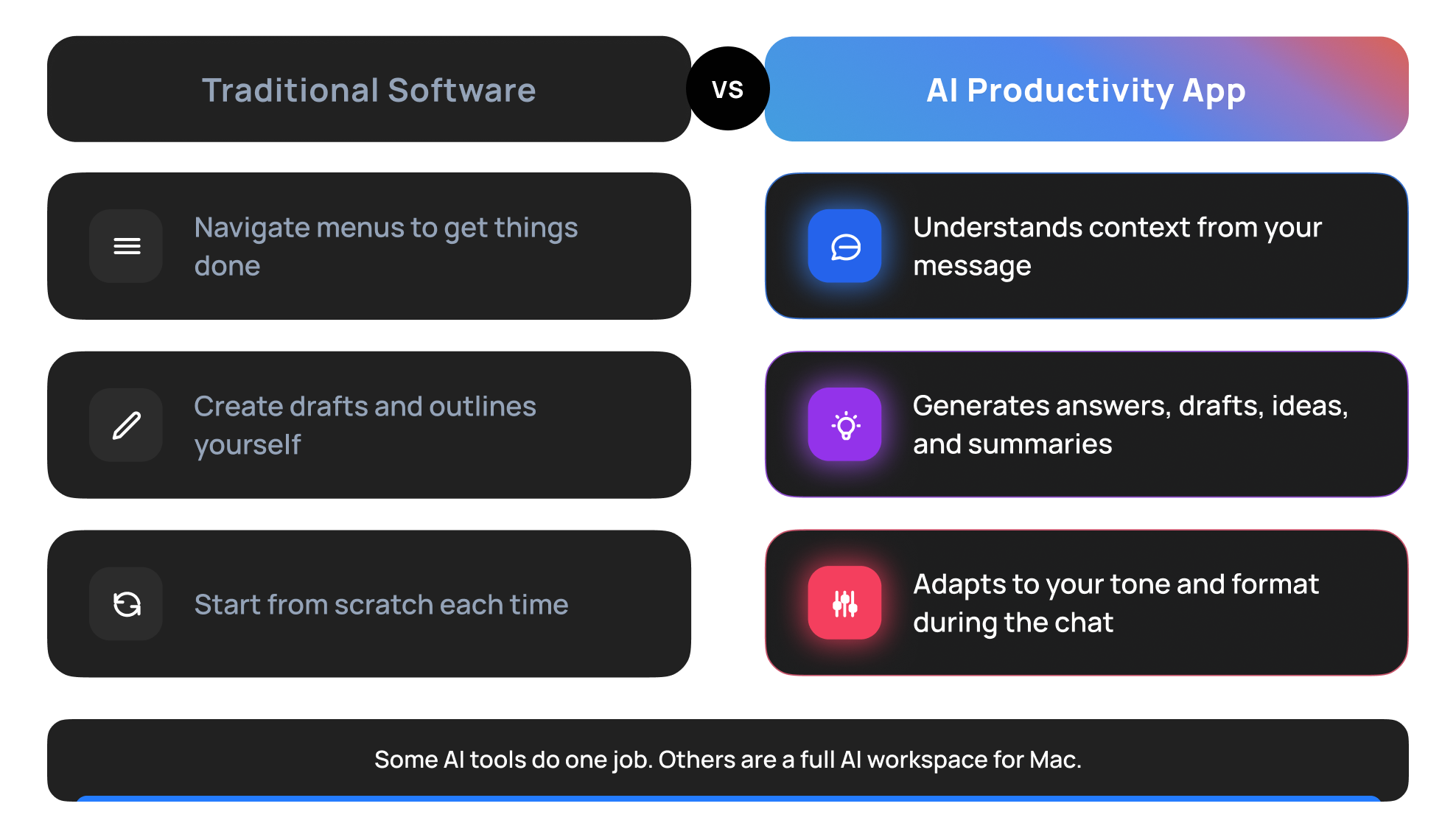
You might be thinking of getting traditional software for handling your processes instead of an AI productivity app. However, it differs from it in the following ways:
- An AI productivity app understands the context from your message and does not navigate through menus for it.
- It generates answers, drafts, ideas, outlines, summaries, etc. from scratch on its own.
- It adjusts to the user's preferences, including tone, format, etc., during the chat instead of starting from scratch.
Some AI tools are only single-purpose, while others offer a complete AI workspace for Mac, working on tasks such as writing, planning, organization, etc. in one place.
How Can AI Improve Productivity on Mac?
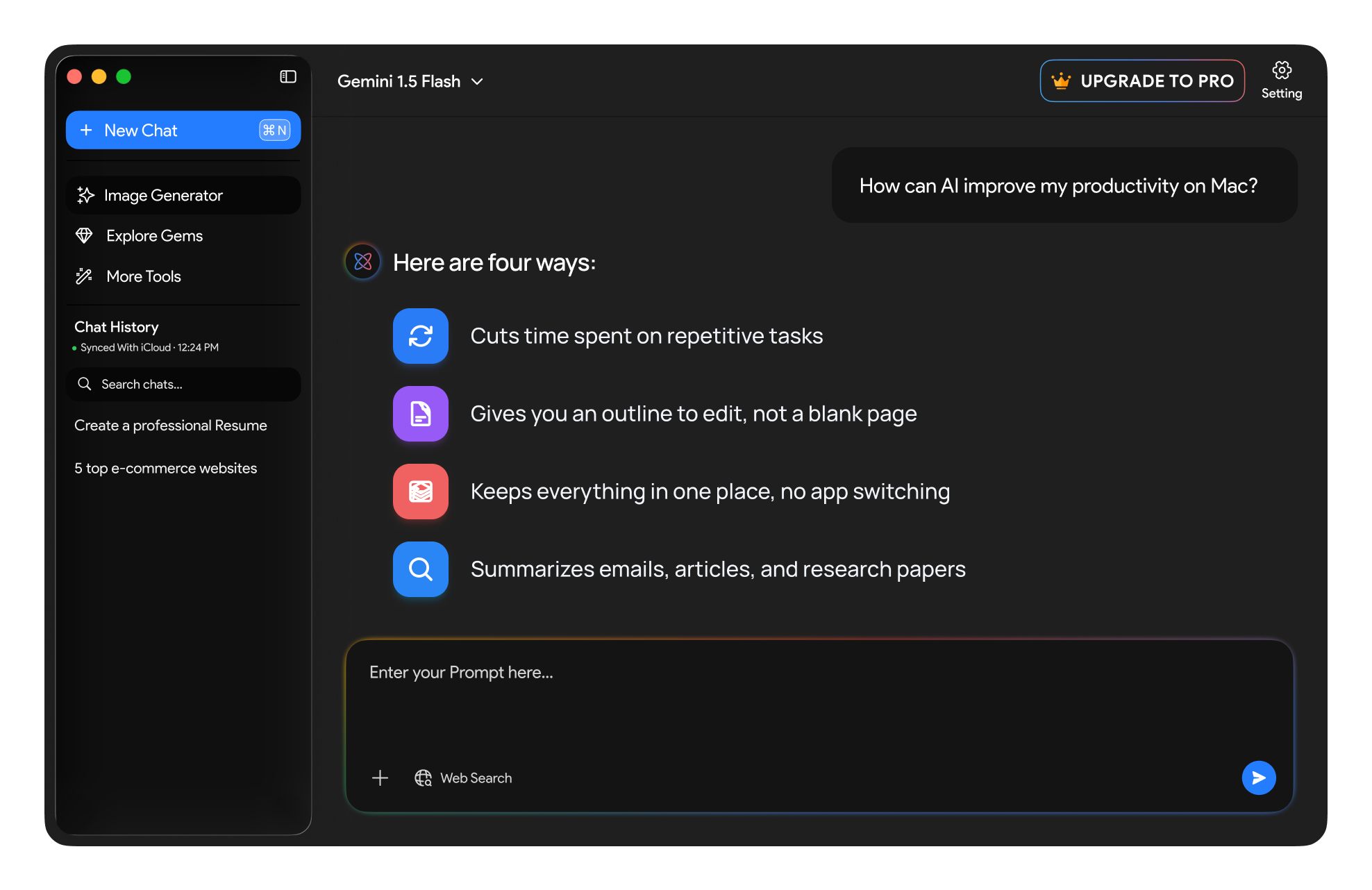
AI tools on macOS can help improve productivity in several ways, including:
- Minimize time consumption on repetitive tasks by assessing patterns and requests.
- Provide a foundational start for tasks with outlines to maximize editing rather than inventing.
- Save the user from constantly switching between applications by making everything accessible through one platform.
- Enhance productivity by analyzing key points from email threads, articles, and research papers, summarizing and answering specifically.
Common Productivity Apps for Mac
Let’s take a look at some of the common productivity apps for Mac that you can consider:
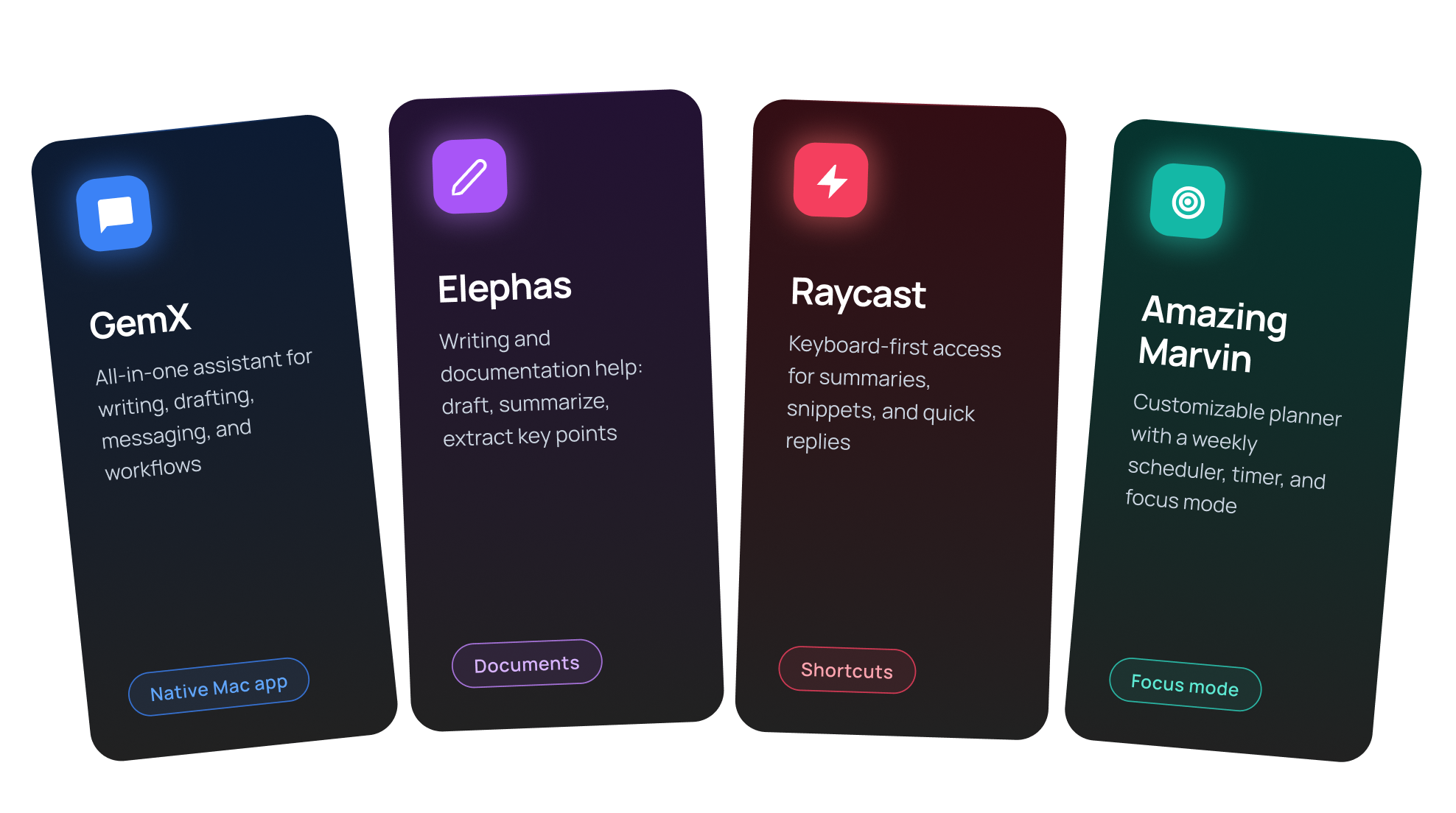
GemX
GemX is an all-in-one productivity AI assistant for Mac that is built for enhancing user productivity. It provides assistance for tasks including writing, drafting, messaging, and managing workflows.
In addition, it also operates as a chatbot, enhancing user communication in real time. It works as a native application on the Mac, which makes it easier to integrate it with other applications on the device.
What’s more amazing is that you can allow it access to your files, and it can work through them on its own and provide accurate outcomes as prompted.
Elephas
Unlike language models such as ChatGPT, Elephas operates as an independent writer and is best for documentation. It also operates as a local agent, providing task assistance for writing, summarizing, and extracting key points.
The amazing element about it is that it works faster than many AI tools of the same tier and can process prompts on a number of documents in no time. Moreover, it also keeps track of the existing user preferences and adjusts the outcome accordingly.
Raycast
Raycast is an AI tool that has been regarded for its accessibility. It operates directly from the keyboard via shortcuts and can be engaged anytime irrespective of the task or app. It’s also useful for automating nominal tasks such as summarizing, managing snippets, and more.
Moreover, it provides useful replies for the text fed to it, making it a great tool for email marketers looking for email proficiency. Although you’d need to familiarize yourself with its functionality, but once it’s achieved, it can help smoothen workflow effectively.
Amazing Marvin
One of the recommended AI tools for Mac in terms of seamless workflow management is Amazing Marvin. It has a customizable interface, making it user-friendly. The interface also manages work schedules, providing daily tasks in the weekly scheduler for easy access.
From an on-screen timer to manage time on tasks to a quick-jump and Day Note feature, it provides a quick and interactive way of managing your tasks effectively. Moreover, it has a focus mode that puts important tasks and deadlines in view while managing less important ones in the background.
Choosing an AI Productivity App
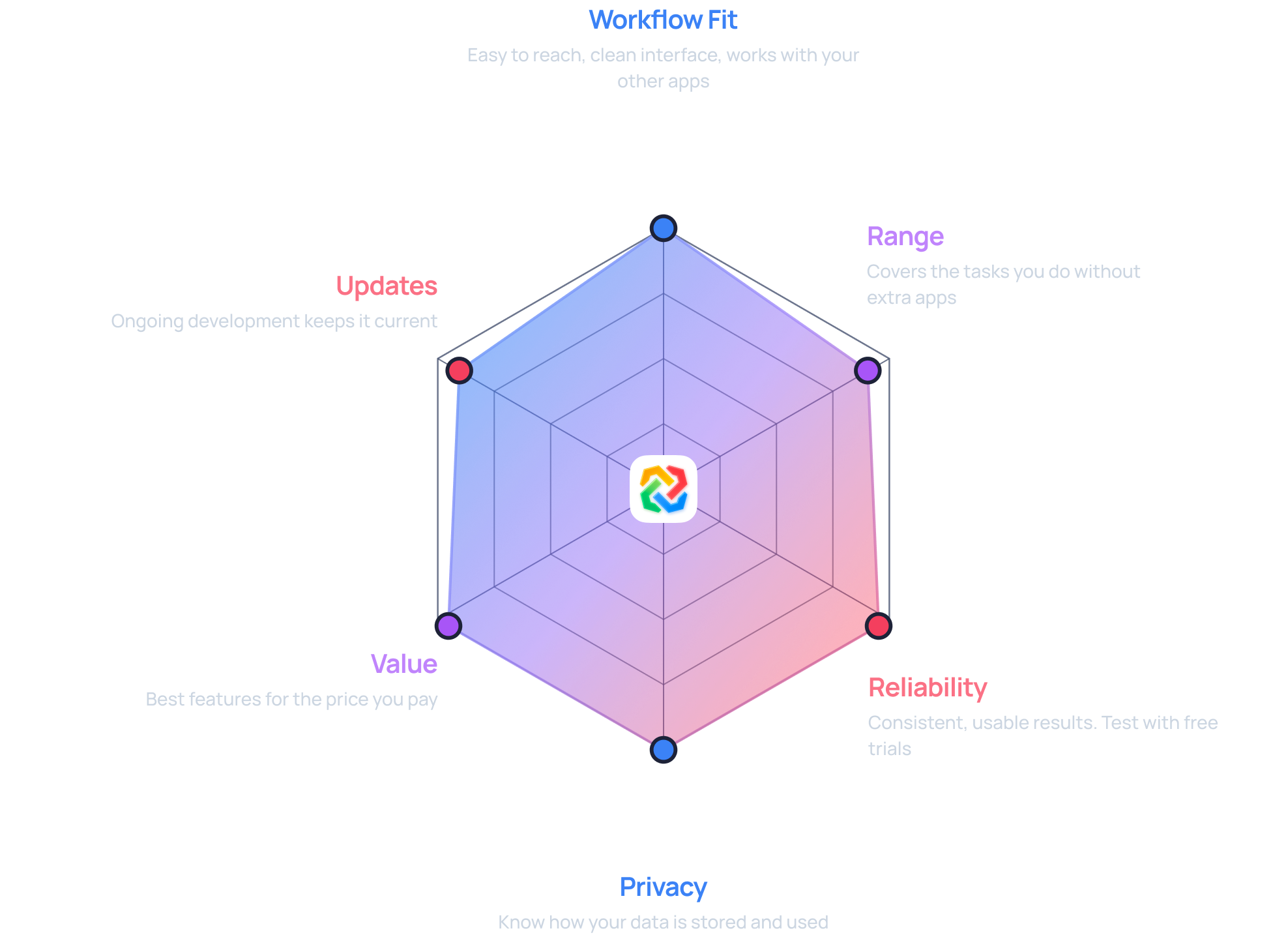
Selecting an AI productivity app can be difficult with so many choices available in the market. However, here are some parameters that you can use to evaluate the choices:
Adjustment with Your Workflow
You need an application that adjusts according to your daily workflow. It should be easy to reach as well as allow fast access with a clean interface. Moreover, it should provide access to other apps, making work seamless.
Range of Specialties
Although finding an app that provides all-in-one functionality can be tough, you can look for one that offers the maximum functions you’re looking for. However, in doing so, it should not force you to adopt additional apps or change the way you work. You can consider the tasks you accomplish and, based on their requirements, assess the potential choices.
Reliability of the Output
An important aspect of choosing the right AI productivity app for Mac is assessing the quality and reliability of the output. The app should remain consistent with the instructions and should provide usable results. You can evaluate the outputs of the choices through free trials to assess which ones fit the best.
Privacy and Data Handling
Since the app will be handling data from local files, it should offer data privacy of the highest standards. You can go through the privacy policy of the choices to see how your data is stored and used for training. In addition, check for controls regarding managing your accessed data.
Pricing and Value
Although the apps will not be cheap, you need to ensure you pick the one that doesn’t break your budget. Go through trial versions and then evaluate the features of the plans offered by the choices. Compare plans and pick the one with the best value and price.
Ongoing Development
The AI tool you’re choosing should not remain dormant. It should have constant development that improves its functionality. You can look into the tool’s provider to see for upcoming updates and maintenance to ensure the tool will remain consistent with market changes and upgrades accordingly
To pick the most optimal choice, you’ll have to narrow down your choices and begin comparing them based on the same set of tasks assigned. Evaluate the output quality, followed by value, features, and pricing, to make an informed decision.
Final Thoughts
The purpose of an AI productivity app is not to cloud your judgment but to boost it. These apps are designed to minimize repetitive tasks consuming your time and effort while you focus on the important ones. Picking an AI productivity app for Mac can help you write faster, process information more easily, and stay focused on what matters.